
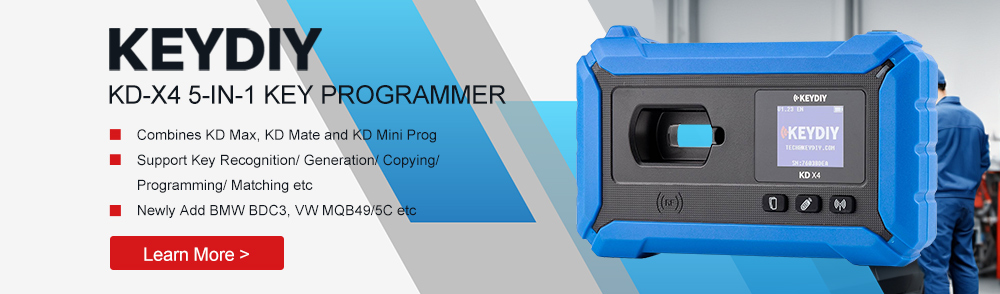
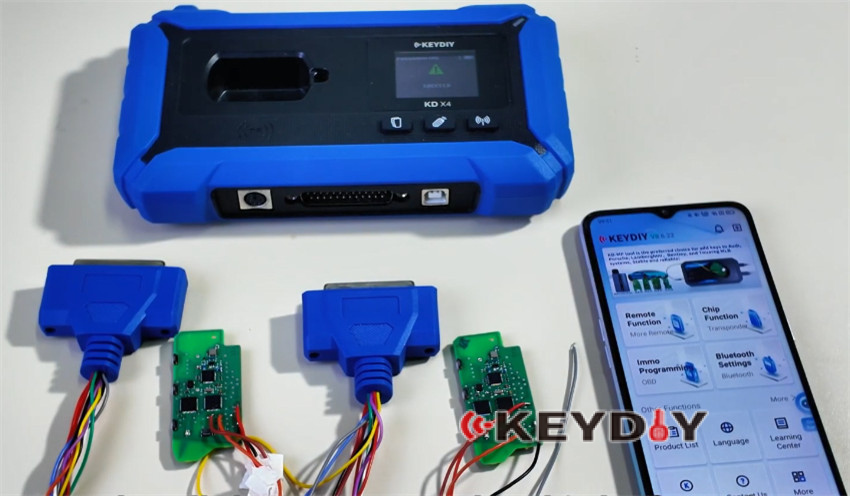
This guide demonstrates the process of reading and writing data for BMW U-Chassis BCP smart keys (big knife card keys) using KEY KD-X4 5-in-1 key programmer.
Preparation:
Required equipment:
- KEY KD-X4
- KEYDIY KD FGB57 smart key(for U chassis vehicles)
- Programming harnesses
- Soldering tools
- A mobile phone or tablet
- An OTG Adapter (to connect KD-X4 and phone/tablet)
Ensure all wires are correctly soldered according to the wiring diagram
Target key:
BMW U-Chassis BCP smart key
Operational Procedure:
Step 1: Access Programming Interface
Connect the programming harness to the key programmer
Launch keydiy (KD) application on your mobile device
Two access methods are available:
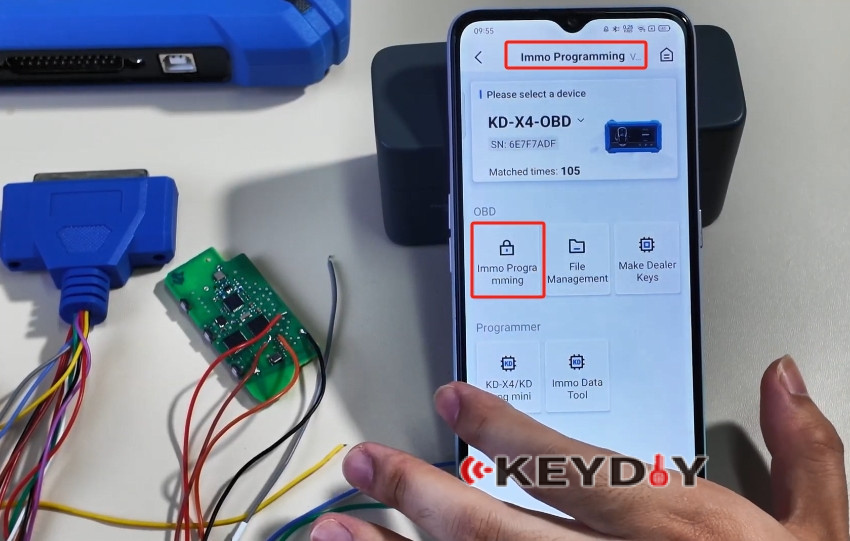
1.IMMO Programming (Commonly used method)
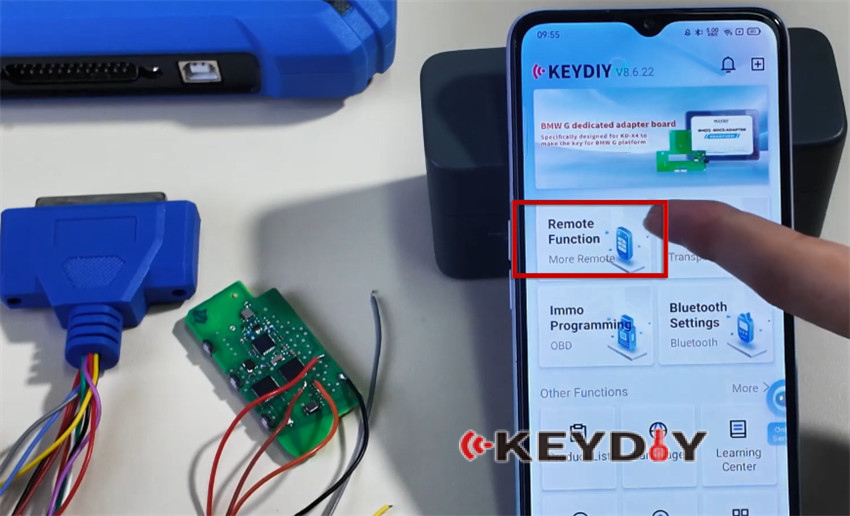
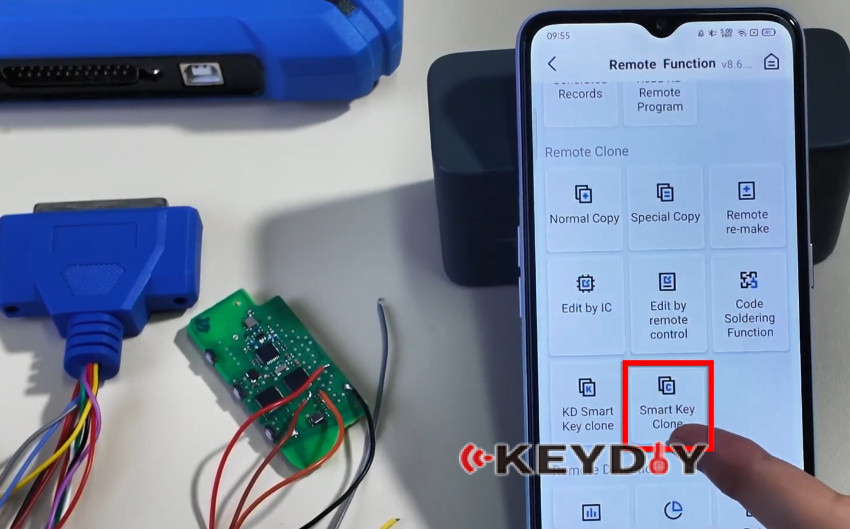
2.Remote Function → Smart Key Clone → BMW BDC3 BCP Smart Key Clone→ U Chassis/BCP Clone

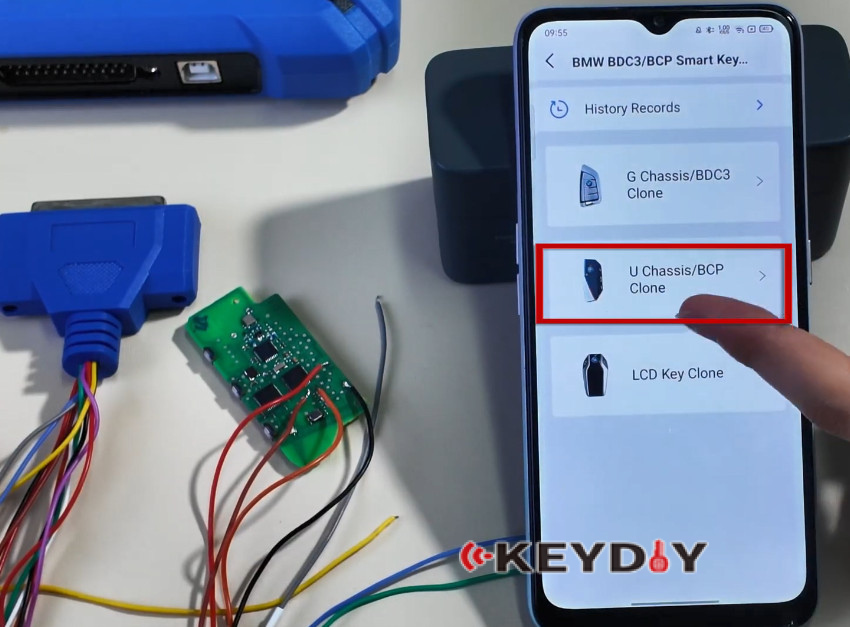
Step 2: Read Original Key Data
Insert the programming harness connector into the key to be cloned

Verify harness connection matches the wiring diagram
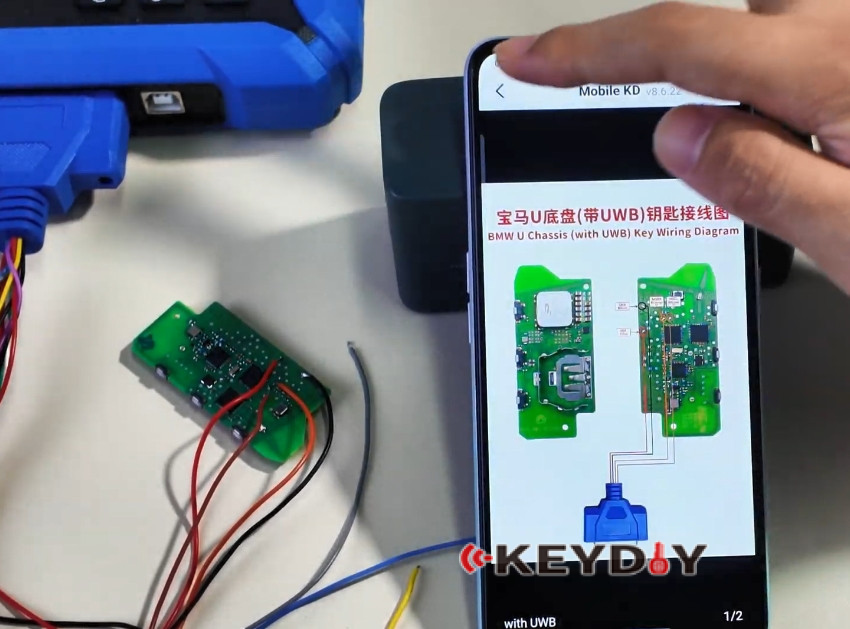
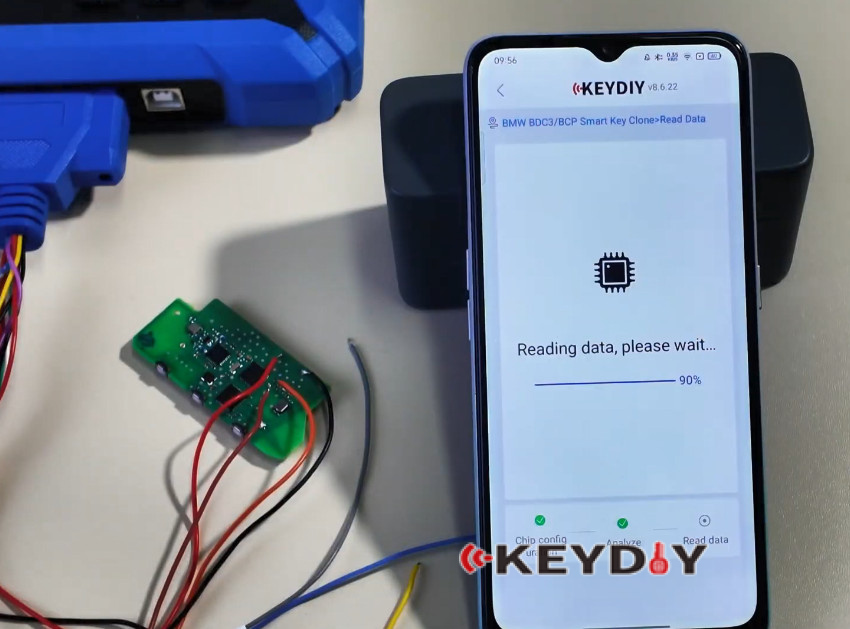
Select Read Chip Data from the menu
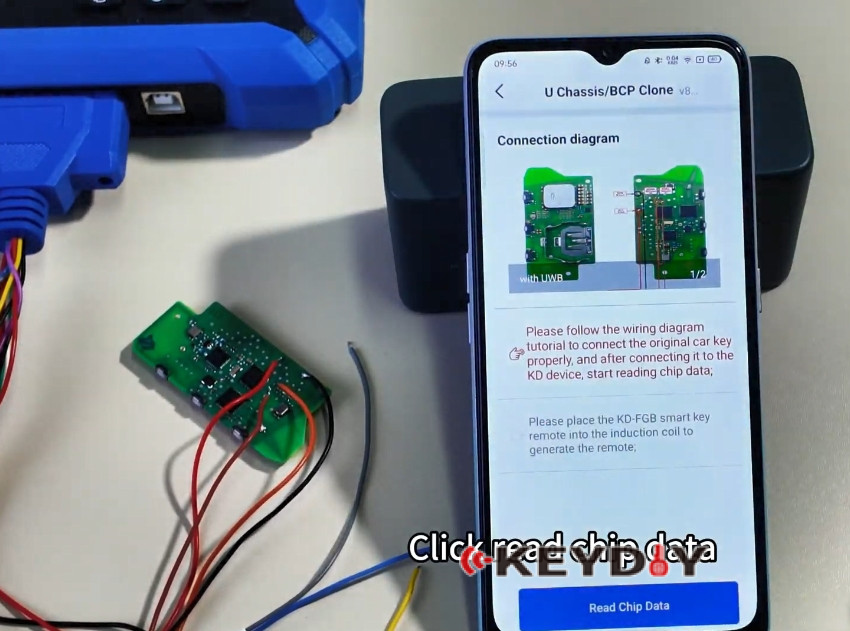
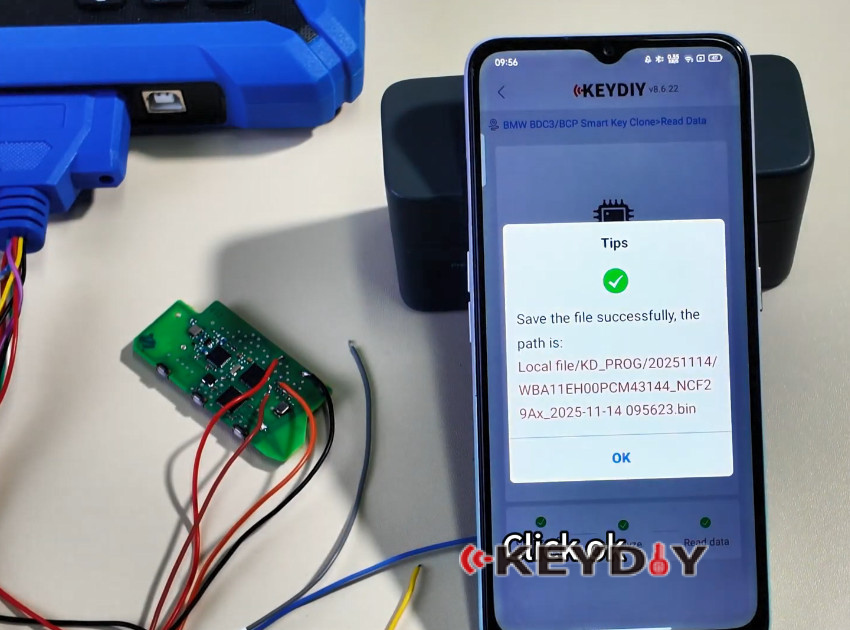
Confirm the operation by clicking OK twice
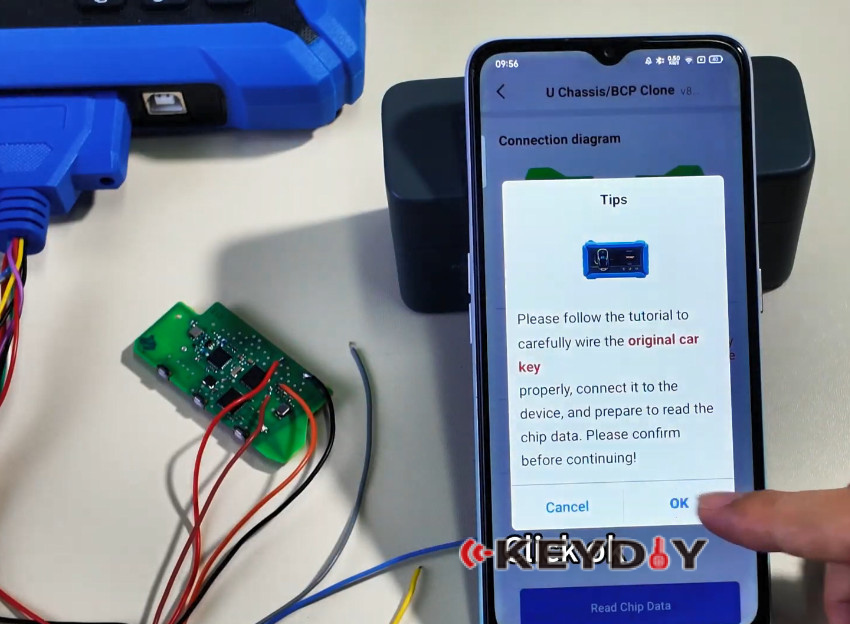
Wait for the data reading process to complete
Step 3: Write to Target Key
Remove the original key after successful data reading
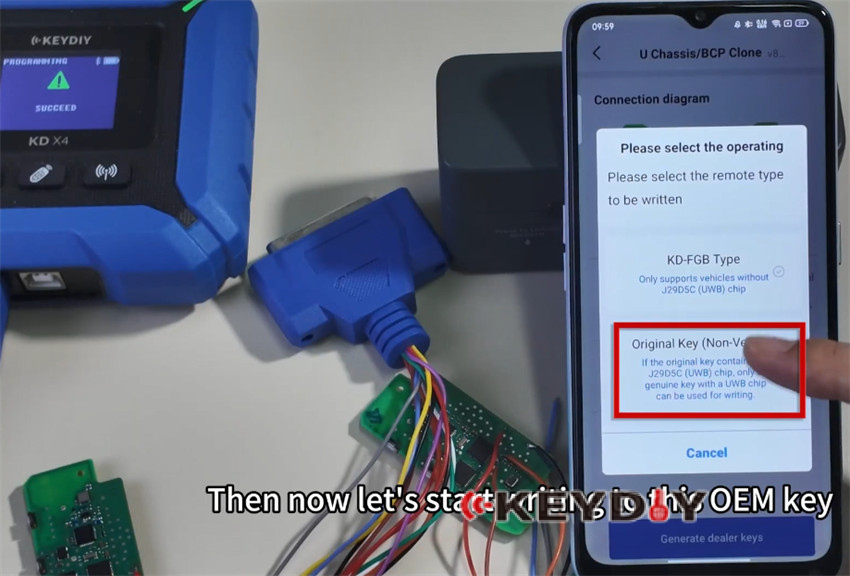
Insert the target OEM key you wish to program
Select the write function to begin programming
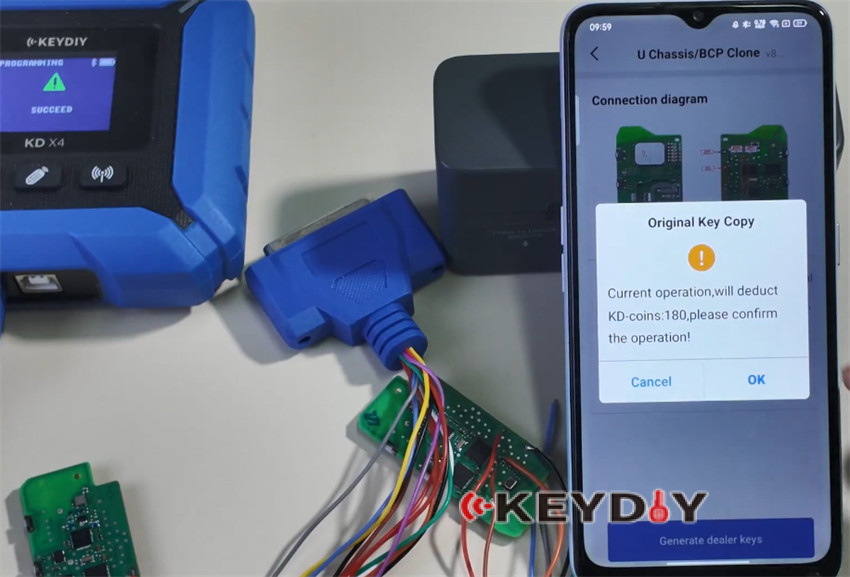
Confirm the operation by clicking OK twice
Note: it requires 180 KD-coints to copy key using KD-X4.
Wait for the writing process to complete
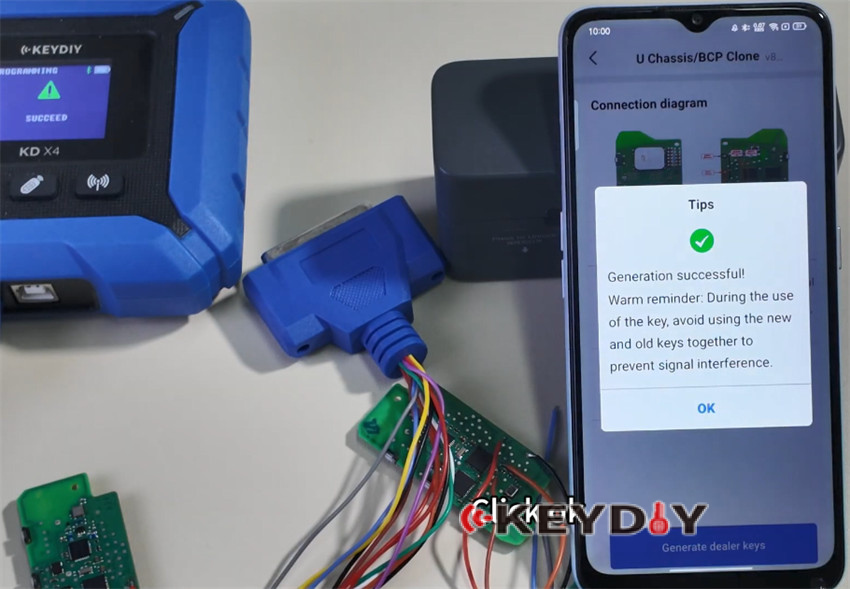
Step 4: Verification
Once writing is finished, the key is restored to normal functionality
The cloned key should now be ready for use
Done!
Video guide:
Read also:
