
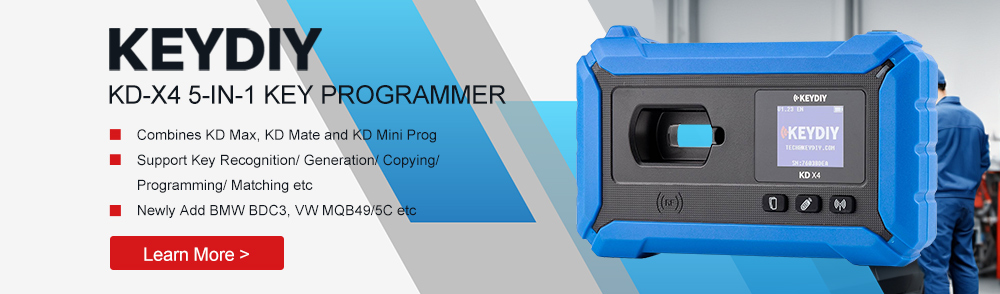

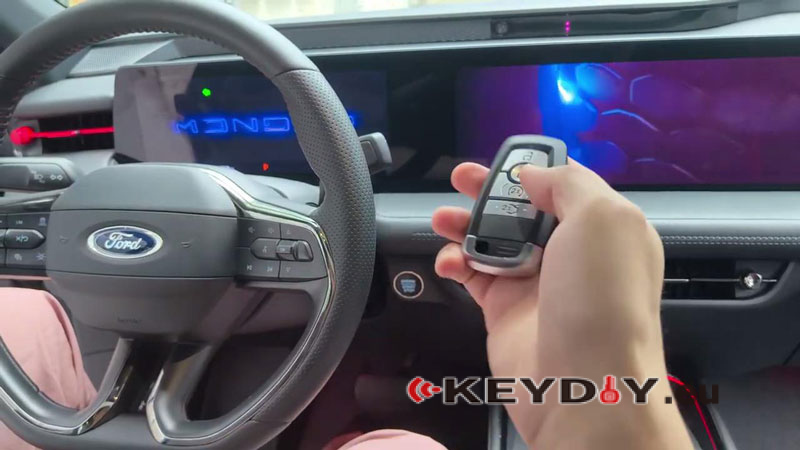
On this 2024 Ford Mondeo equipped with an RH850 BCM, we use the KEYDIY KD-X4 Key Programmer to successfully program a new KD ZB21-4 Smart Key. The process begins with reading the BCM data on bench mode for secure access, and is completed by performing key learning back on the vehicle via OBD. No additional reset, EEPROM removal, or adaptation procedures are required.
1.BCM Removal & Bench Wiring
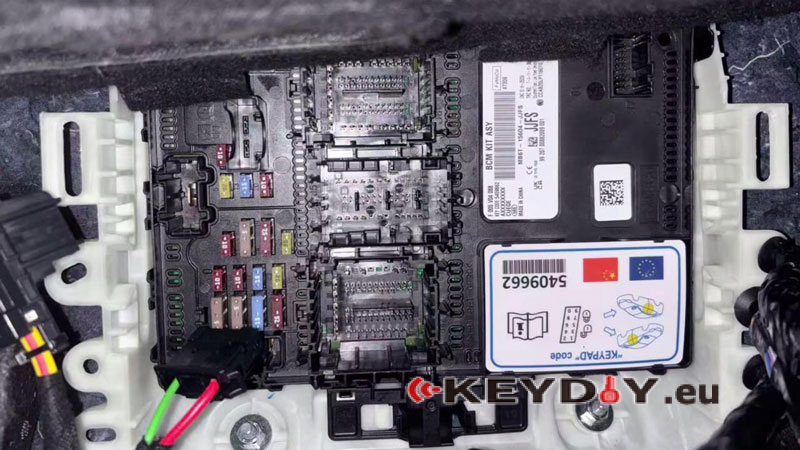
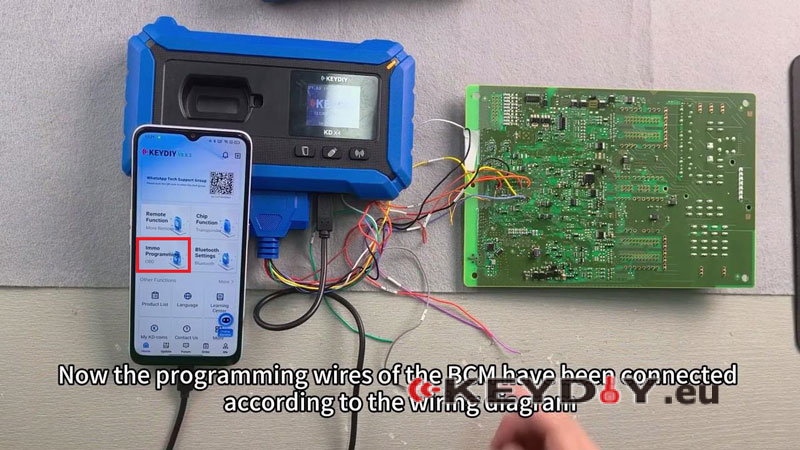
BCM needs to be accessed and set up for data reading.
- Remove BCM from under the front passenger seat
- Wire BCM according to the diagram and connect programming leads
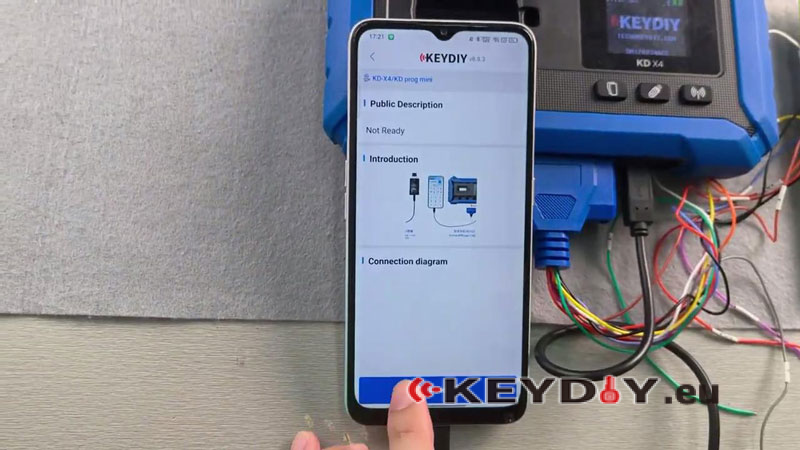
- Plug OTG cable into mobile device for KD app connection
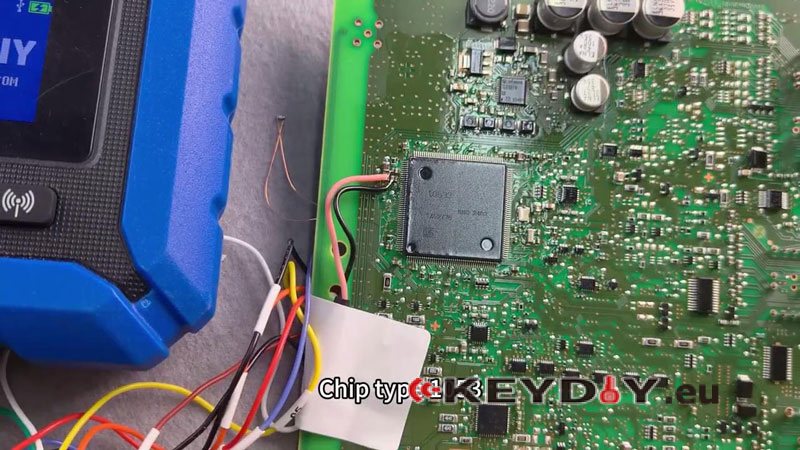
- Install 100Ω resistor between yellow point and red solder joint before reading
- If read fails, add 1Ω resistor at pink solder joint and retry
2.BCM Data Read (Anti-theft File)
Read and save BCM data from bench setup.
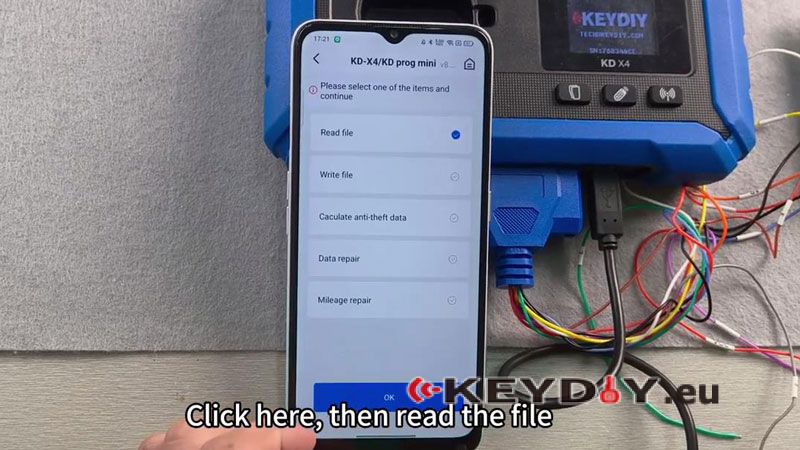
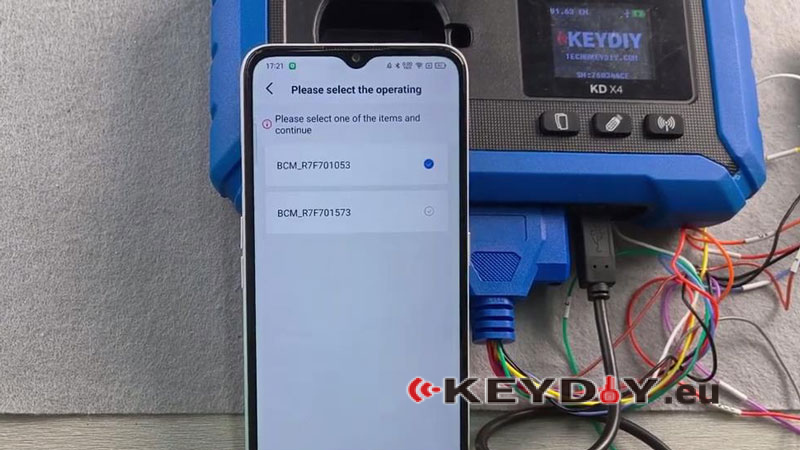
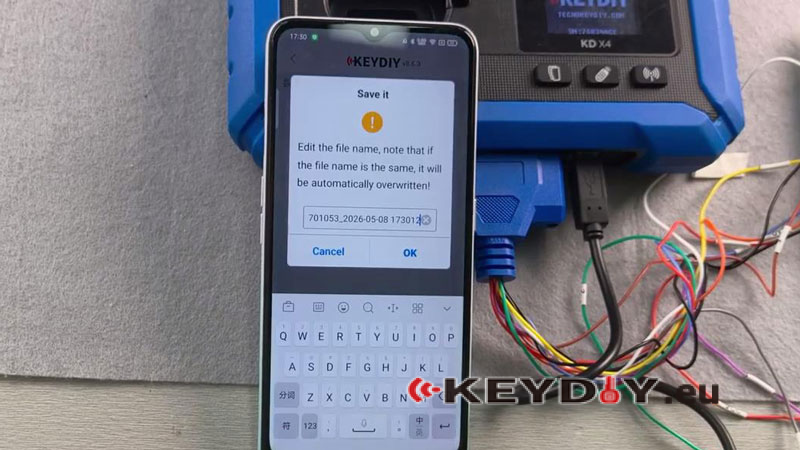
- Open KD app and go to: Immo Programming → KD-X4→ Read file → IMMO → Ford → BCM_R7F701053 → Read
- Wait for successful read confirmation on screen
- Save the file locally and keep it for vehicle programming
3.In-Vehicle Key Learning (OBD)
Move back to vehicle for key matching.
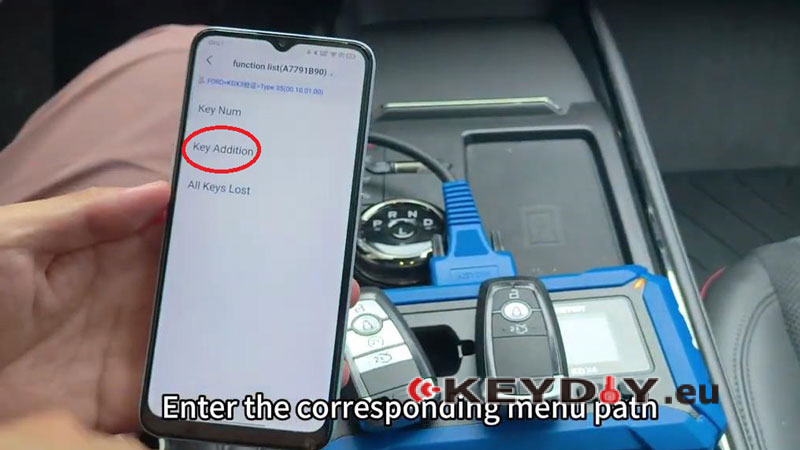
- Connect OBD cable and switch ignition ON
- Enter key programming menu: Key Addition→ Load the saved BCM file → Confirm key count
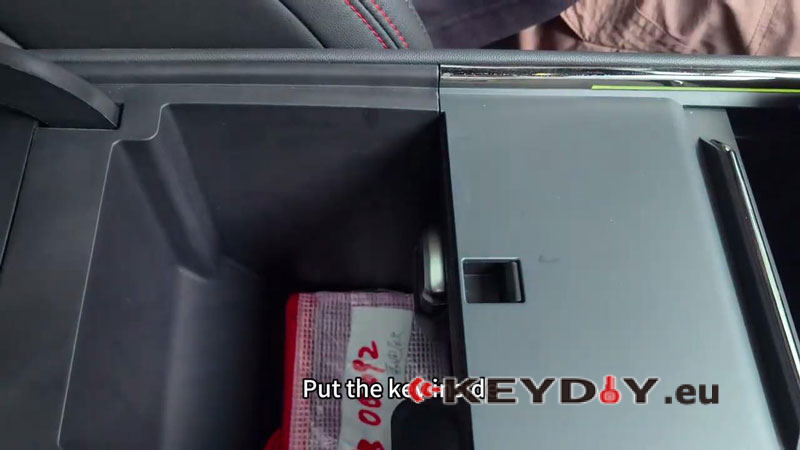
- Place KD key in induction area (armrest box zone) and confirm learning
4.Verification
Start the engine with the newly programmed key. Check ignition start is normal and key response is OK.
Tool Note – KEYDIY KD-X4
In this workflow, the KEYDIY KD-X4 is applied for reading Ford RH850 BCM data in bench mode, followed by completing key programming and synchronization through the vehicle using the KD App guided procedure, ensuring a smooth and efficient key learning process without extra adaptation steps.
