
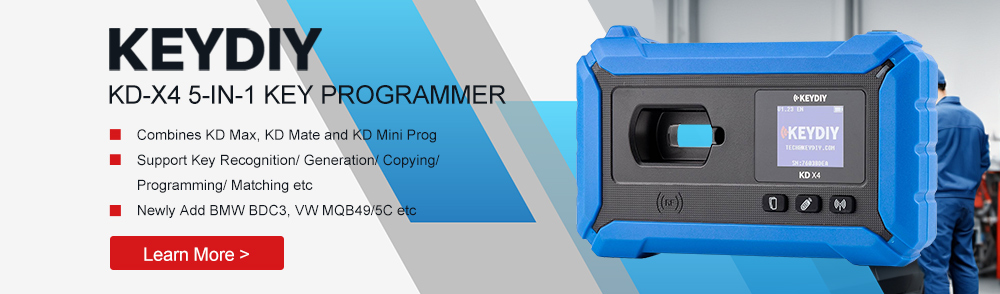
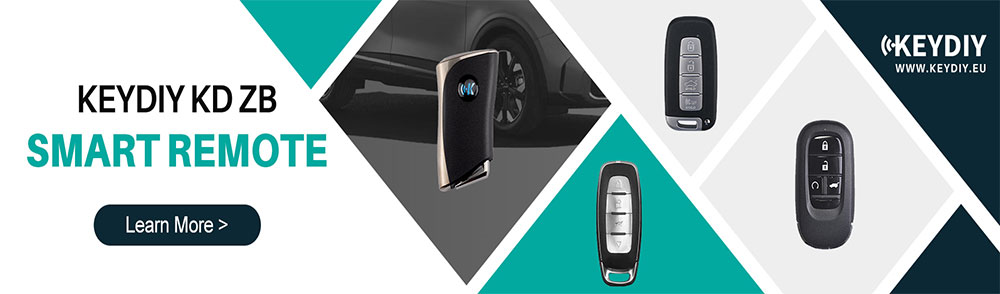
Need to add a spare key for a 2020 Land Rover? With the KEYDIY KD-X4, you can read the original smart key data and generate a new working key without removing the KVM module. Compatible with 2018+ Jaguar and Land Rover vehicles, it supports original smart key cloning as well as KD ZB24 Smart Remote Key generation for a faster and more convenient key replacement solution.
Access Key Programming Function
Connect the KD-X4 to the vehicle through the OBD port and start the key matching procedure from the KD mobile app.
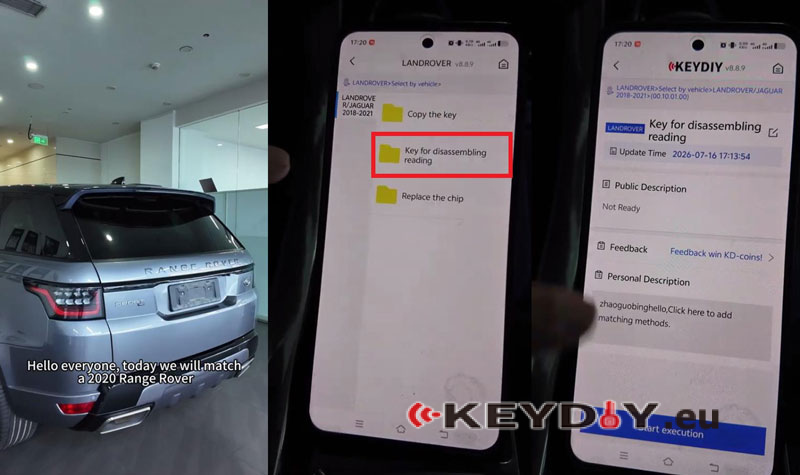
- Open the KD app and go to Immo Programming → LANDROVER → LANDROVER/JAGUAR 2018-2021.
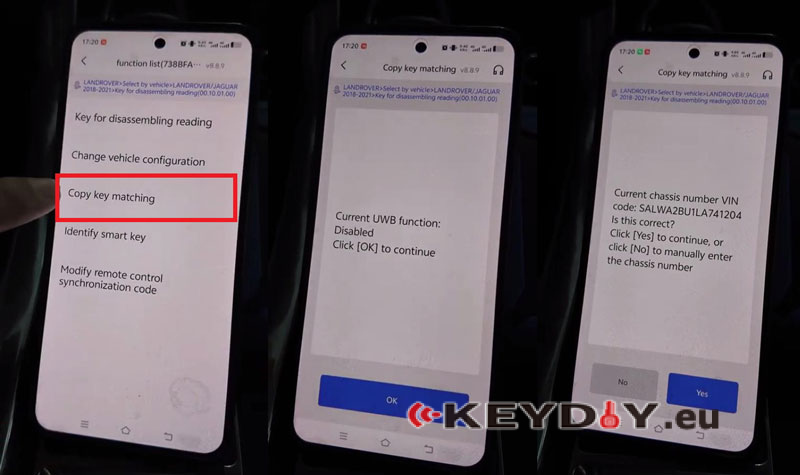
- Select Key for disassembling reading → Start execution → Copy key matching.
- Make sure the device is connected to the network, as this function requires an online connection.
- If the vehicle has UWB enabled and the key supports UWB, use an original high-end key. The current UWB function is disabled, so click OK to continue.
- After the VIN is read, click Yes to proceed.
Read Original Key Data
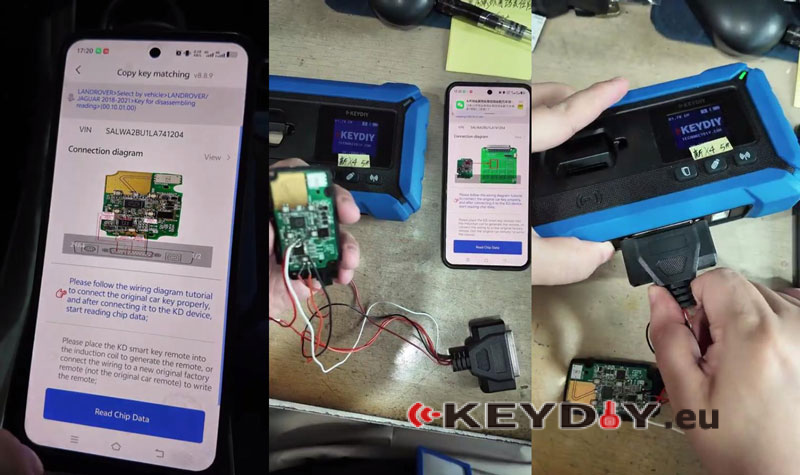
Connect the original key PCB with the KD-X4 key programming cable according to the wiring diagram.
- Open the wiring diagram and wire the original key mainboard as shown.
- Check the connection, then plug the key programming cable into the KD-X4 programmer port.
- Select Read Chip Data and click OK.
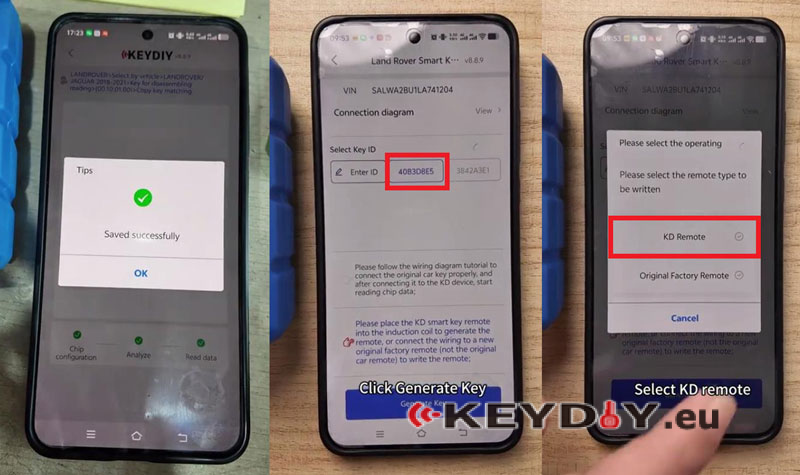
- Save the data after the reading process is completed.
Generate & Write New Key
Generate a new KD smart key using the original key data.
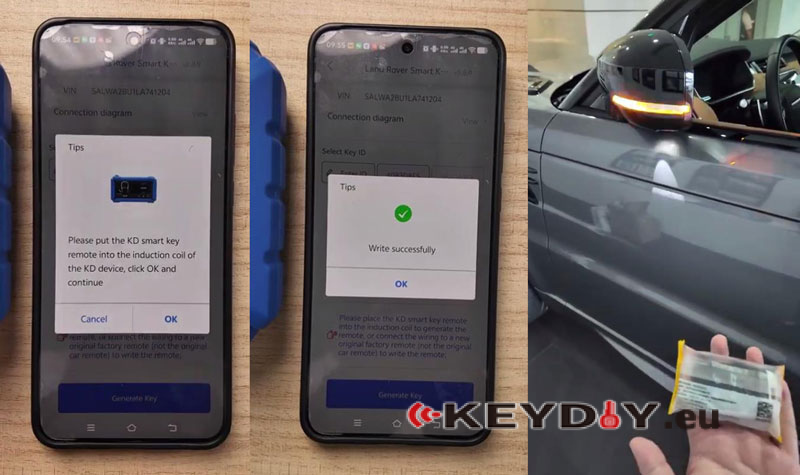
- Select the key ID, then go to Generate Key → KD Remote → 433MHz.
- Place the KD smart key remote into the KD-X4 induction coil.
- Click OK to start writing.
- Confirm the write process is completed successfully.
After writing is finished, test the new key on the vehicle. The vehicle should start normally and the basic key functions should work.
Video Guide:
KEYDIY Offical Online Store
