


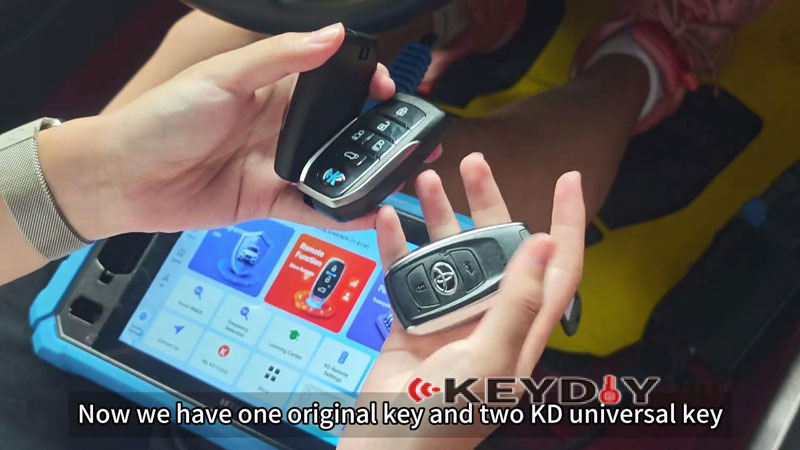
This tutorial explains how to add KD Smart Keys to a 2020 Toyota GR86 using the KEYDIY KD-X6 and KD TB01-5 for Toyota/ Lexus Smart Remote Key. The procedure uses one registered original key and two KD universal keys that have already been pre-generated for the vehicle.
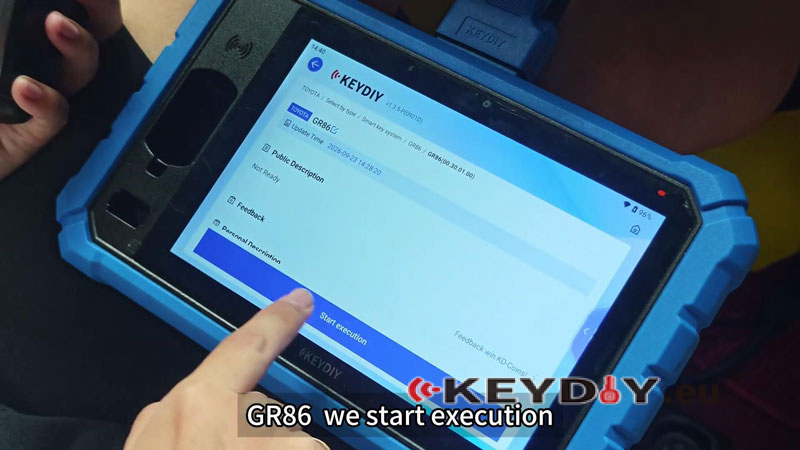
Enter the Toyota Smart Key Function
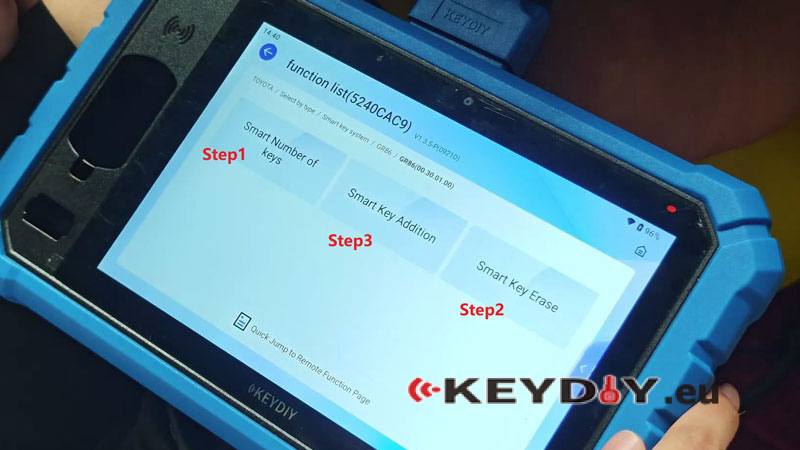
- Go to Immo Programming >> Immo Programming >> TOYOTA >> OK >> Select by type >> GR86 >> Start execution >> Smart number of keys.
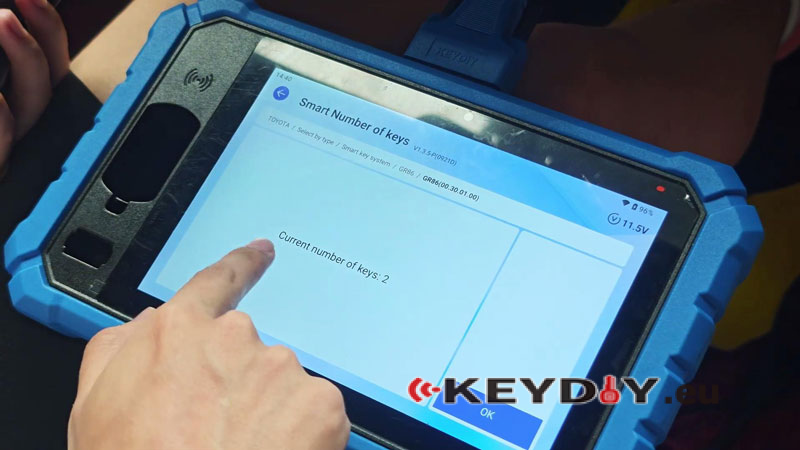
- Turn on the ignition switch. The current key count is 2.
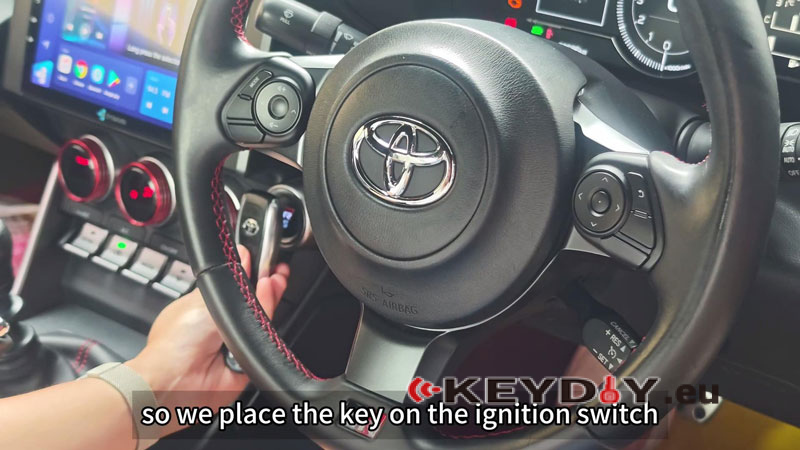
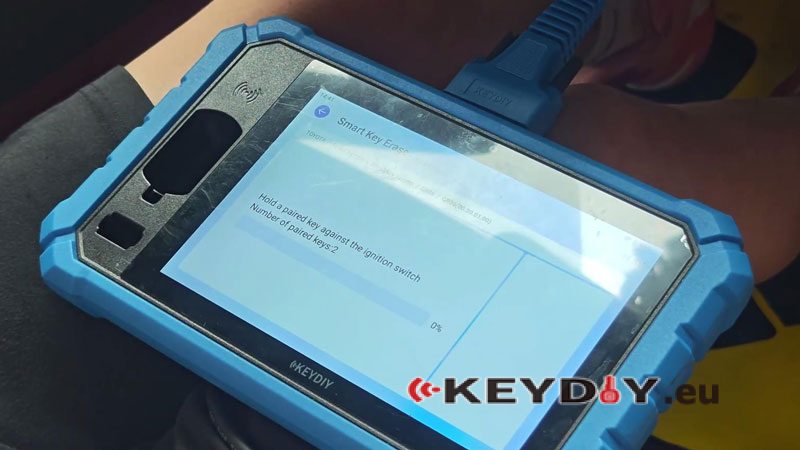
- Select Smart Key Erase. This clears the other keys and retains the current key. Place the key on the ignition switch and click OK.
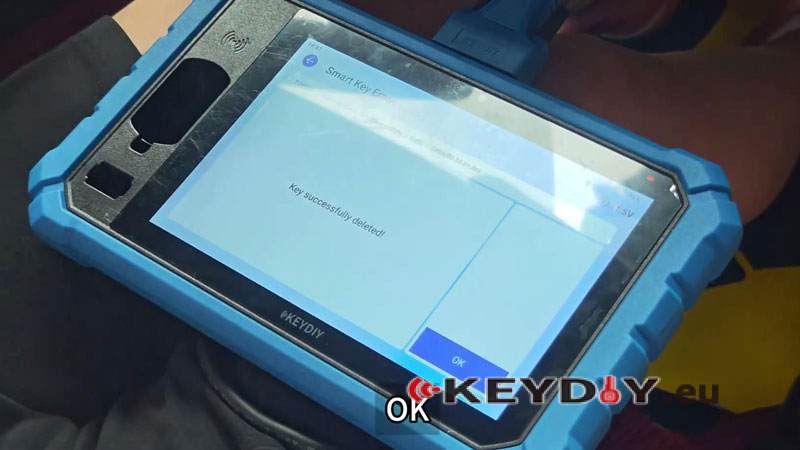
- The KD-X6 shows Key successfully deleted. Only the retained key works at this point.
Add the KD Keys
- Select Smart key addition and turn on the ignition switch.
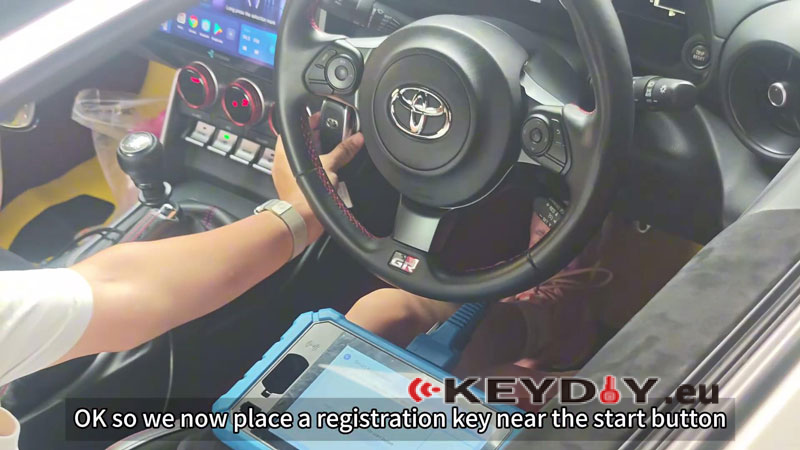
- Close all doors and click OK. Hold a registered key near the start button.
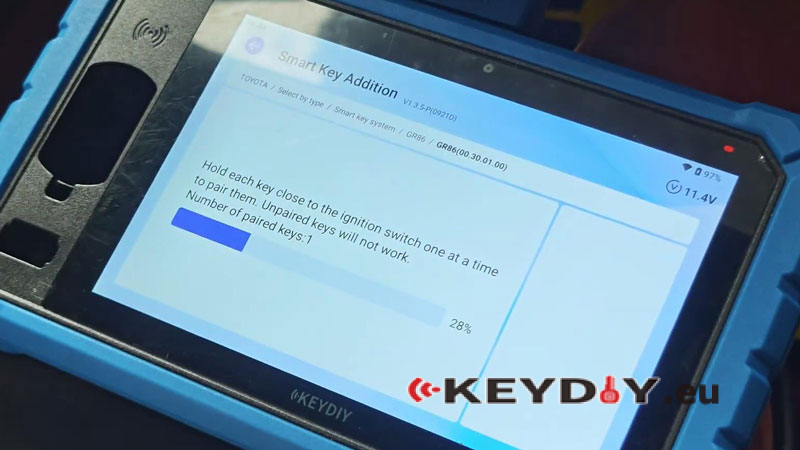
- Hold each KD key close to the ignition switch one at a time to pair them. Unpaired keys will not work.
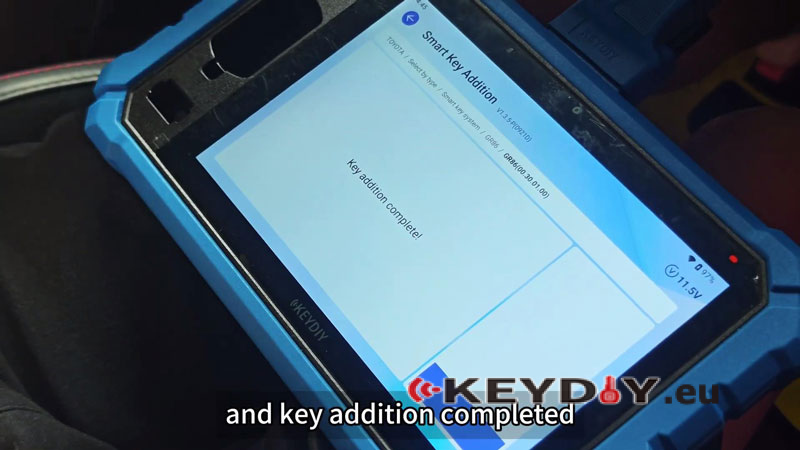
- When the number of paired keys becomes 3, turn off the ignition.
Verify the Key Addition
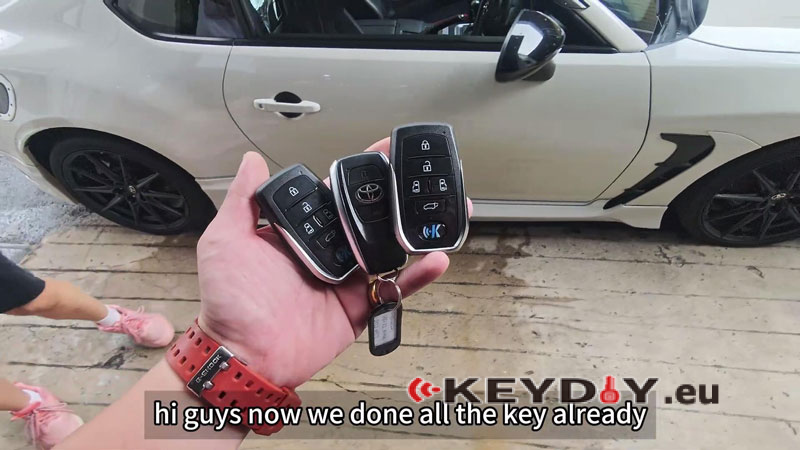
Turn the ignition switch on with each paired key. All three keys can start the vehicle and the basic key functions work normally.
Video Guide:
