
Problem:
During remote generation with KEYDIY KD-MAX, the device displayed the error message: “Unable to recognize!” and the generation failed.
1. Change the position of the remote or lift the remote by half a centimeter and regenerate.
2. If method 1 does not work, please remove the battery and regenerate app:v8.8.5 firmware: 0.107.02.67, ID:289123”
When generating a KEYDIY KD TDB03-3 smart key for a Toyota Avensis F433, the first remote may generate normally, but subsequent keys can fail to generate. In this situation, the remote shows no LED activity, no frequency output, and cannot be detected by the device. The issue is typically related to battery installation timing during the generation process. Reinstalling the battery at the correct moment and regenerating the key can restore normal operation.

Solution:
1.Remove the battery from the KD TDB03-3 key before starting the generation process on KD-MAX.
2.Wait until the KD-MAX system prompts button operation during generation.
3.Reinsert the battery at the prompt stage and continue the generation process.
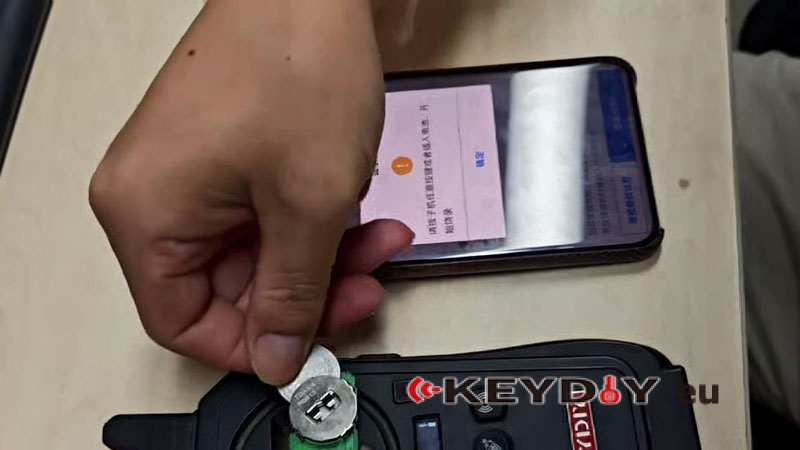
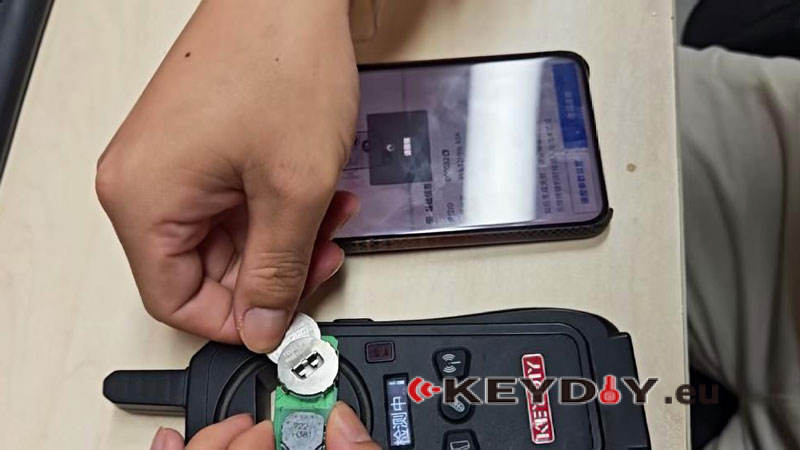
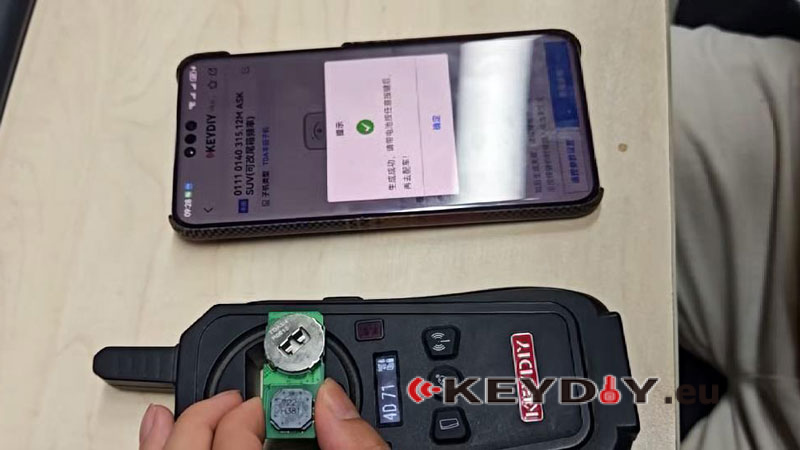
KD-MAX successfully recognizes and completes generation of the KD TDB03-3 smart remote key for Toyota Avensis F433 after applying correct battery timing during the programming process, ensuring stable communication and smooth key generation.
