

The KEYDIY KD-X6 simplifies Audi MLB key programming with a straightforward, step-by-step process. No computer or additional programming device is required. In this guide, I’ll walk you through the actual procedure for preparing and programming an Audi MLB key using the KD-X6 Key Programmer.
Prepare the Original Key
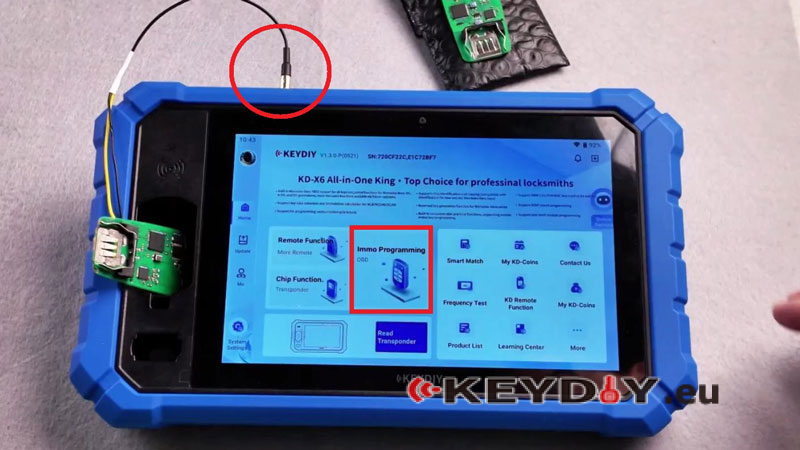
- Open the original key PCB and solder the wires according to the provided wiring diagram.
- Place the original key inside the KD-X6 induction coil, then connect the wiring to the KD-X6.
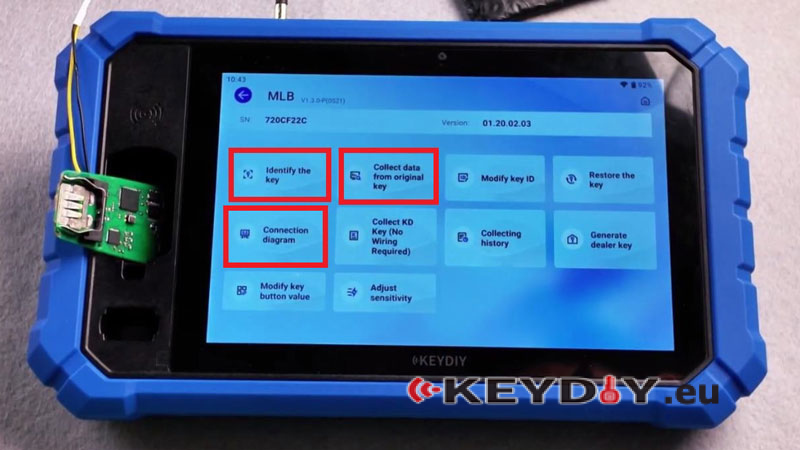
- Select IMMO Programming → MLB/MQB48 → MLB → Identify the Chip → OK.
- Check the key ID, then open Connection Diagram and select the corresponding wiring diagram. The KD-X6 provides six wiring diagrams to help match the correct connection.
Collect Original Key Data
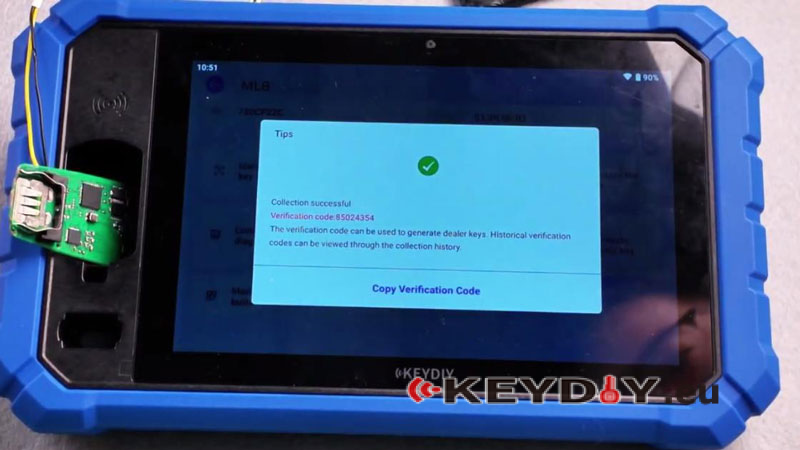
- Select Collect Data from Original Key → OK.
- Keep the key in place. Do not move it during data collection.
- After collection, check the verification code/service code.
Generate the Dealer Key
- Remove the original key and place the new KD MLB Key in the induction coil.
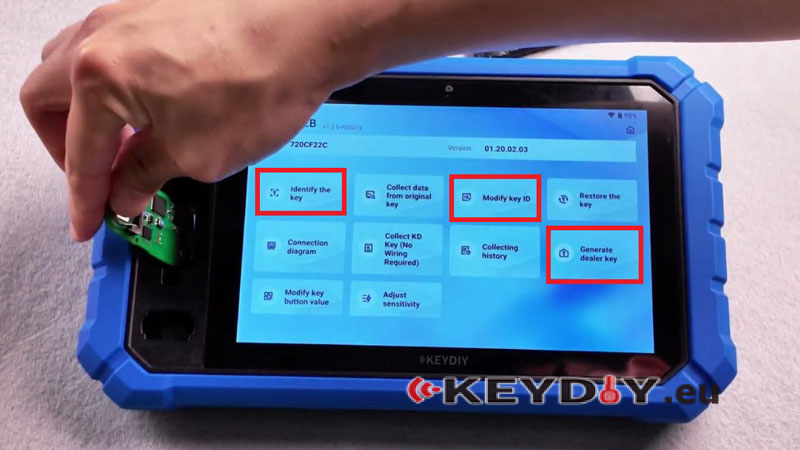
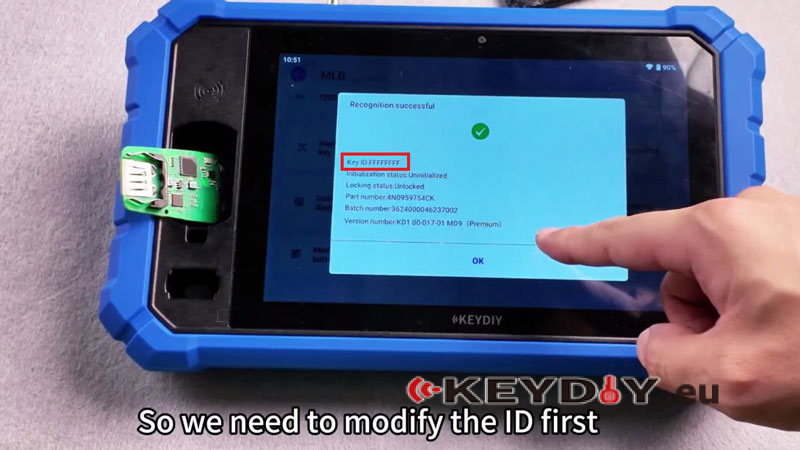
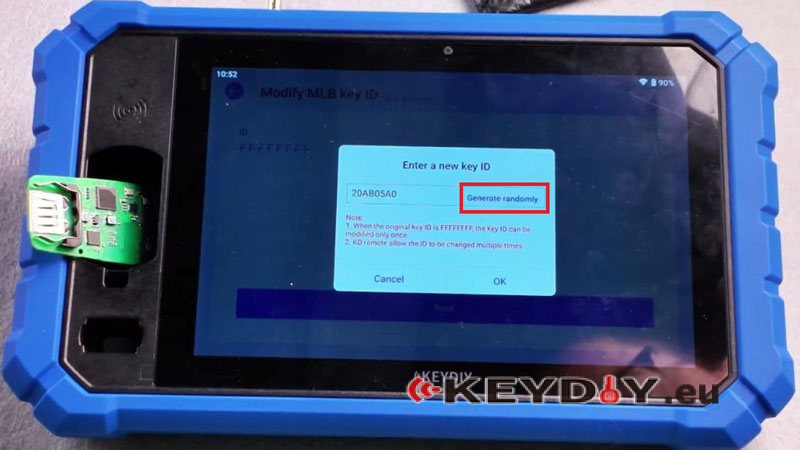
- Select Modify Key ID → Read → OK → Generate Randomly. Choose an ID and write it.
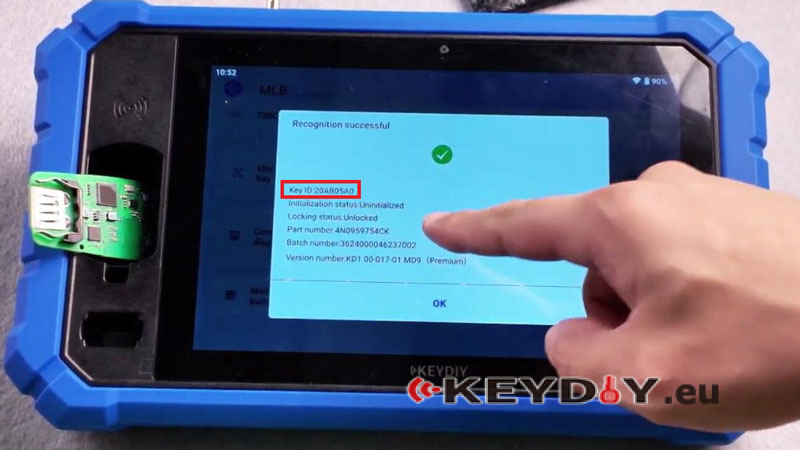
- Read the key again to confirm the new ID.
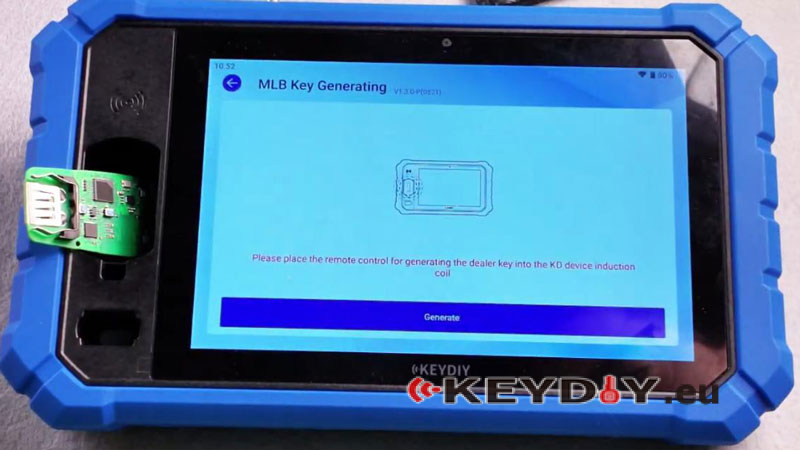
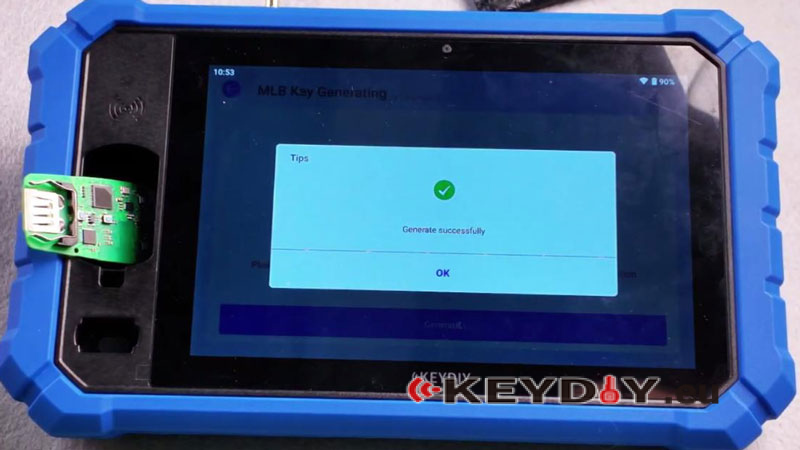
- Select Generate Dealer Key. Choose the correct service code, then tap Generate → OK.
Learn the Key to the Vehicle
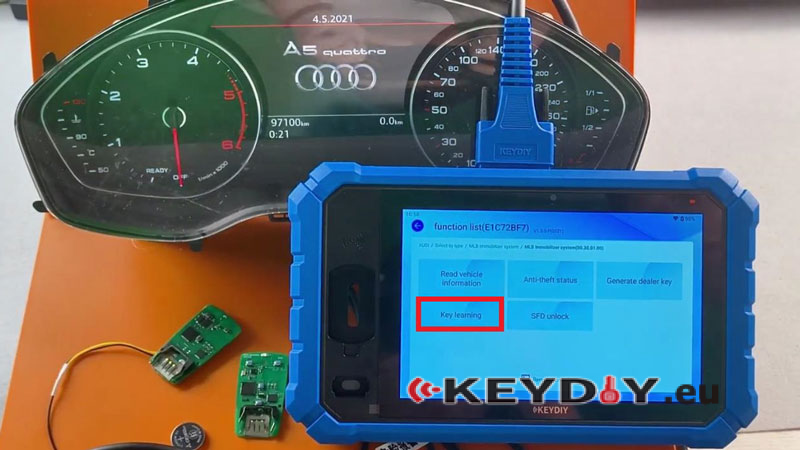
- Go to IMMO Programming → IMMO Programming → AUDI → OK → MLB Immobilizer System → Start Execution → Key Learning.
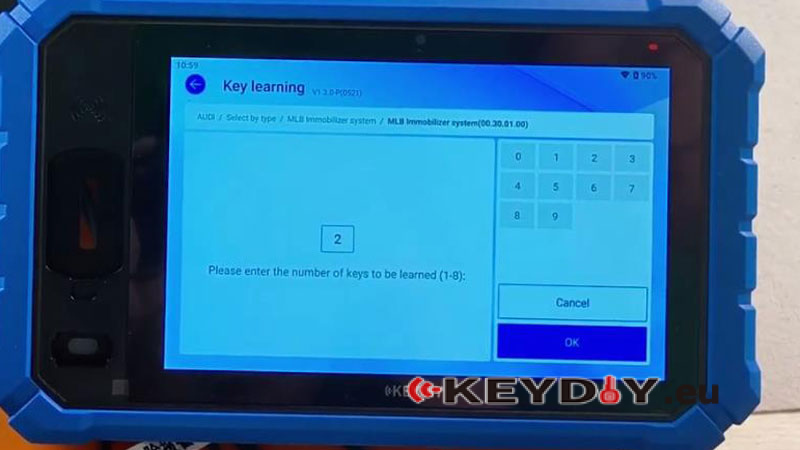
- Enter 2when prompted for the number of keys to be learned. Then turn off the air conditioner and open the engine hood as prompted.
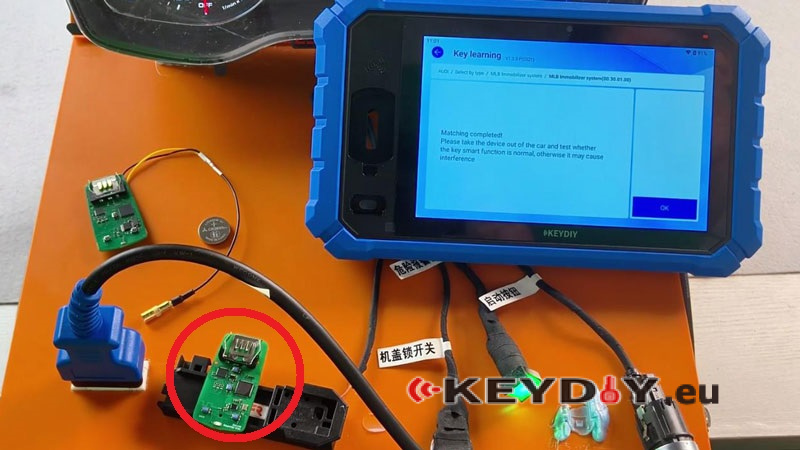
- Turn on the ignition. Place the first key in the sensing area and complete learning.
- Place the second key in the sensing area and complete learning.
Verification
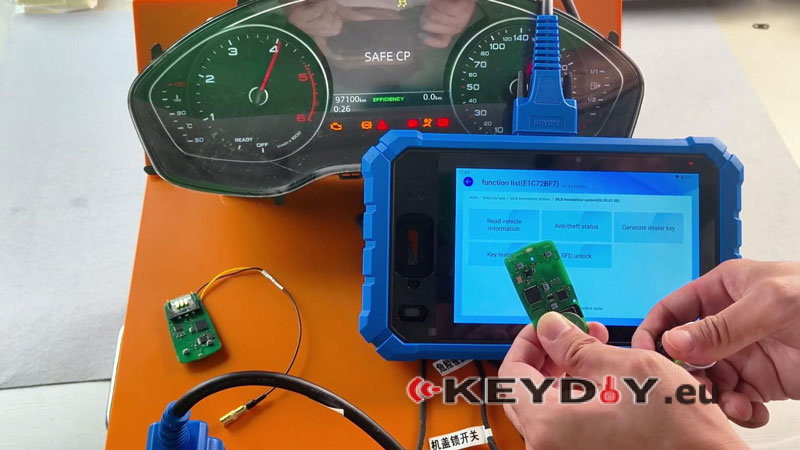
Start the vehicle using the newly programmed key. The engine starts successfully, and all basic key functions operate normally, confirming that the key has been programmed correctly.
Read also:
KEYDIY KD-X6 Standard vs Full Version: What’s the Difference and What’s New Compared to KD-X4?
