
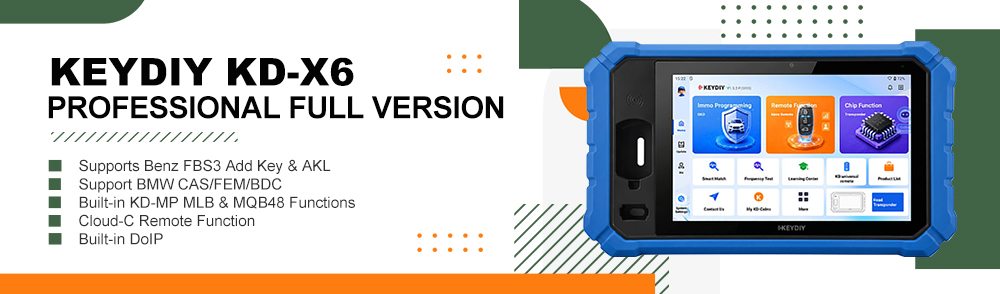
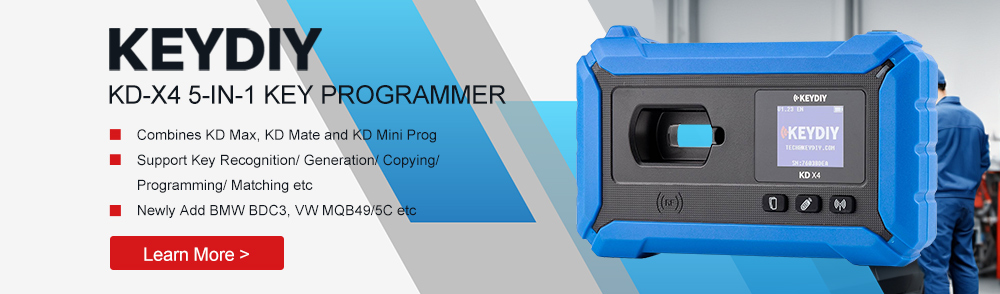
Today we’ll walk through the process of adding a KD FGB57 Remote to the original BMW BDC3 key using KEYDIY KD–MAX. Only need 3 minutes!
Preparation:
- Dedicated unlocking cable
- BDC03specific solder-free dismantling clip
- KD FGB57 slave unit
- Original BMW BDC03 key
- KEYDIY KD–MAX Remote Generator
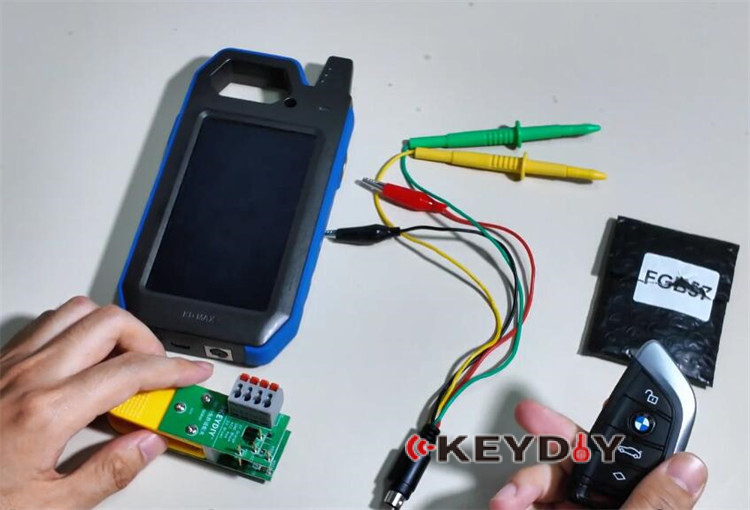
Step-by-step guide:
Turn on KD–MAX key programmer
Navigate to “Remote Functions” menu
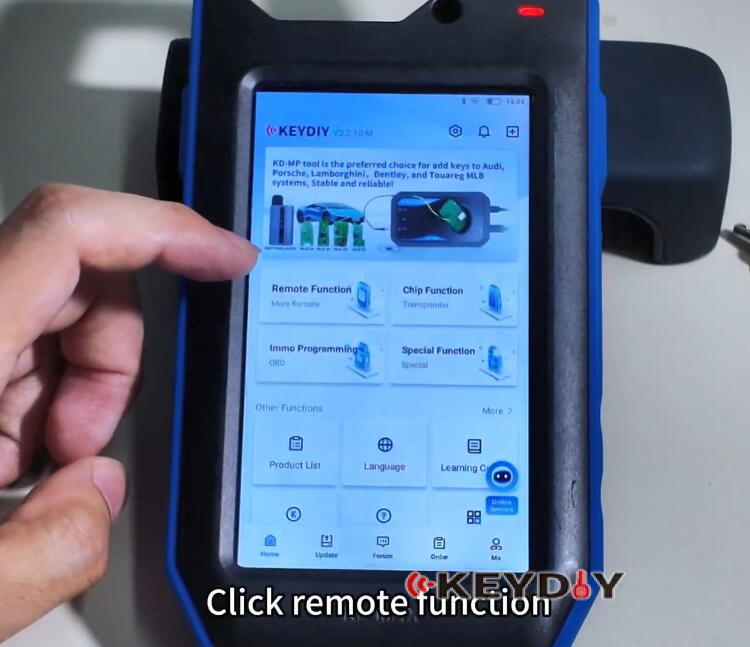
Select “Smart Key Clone”
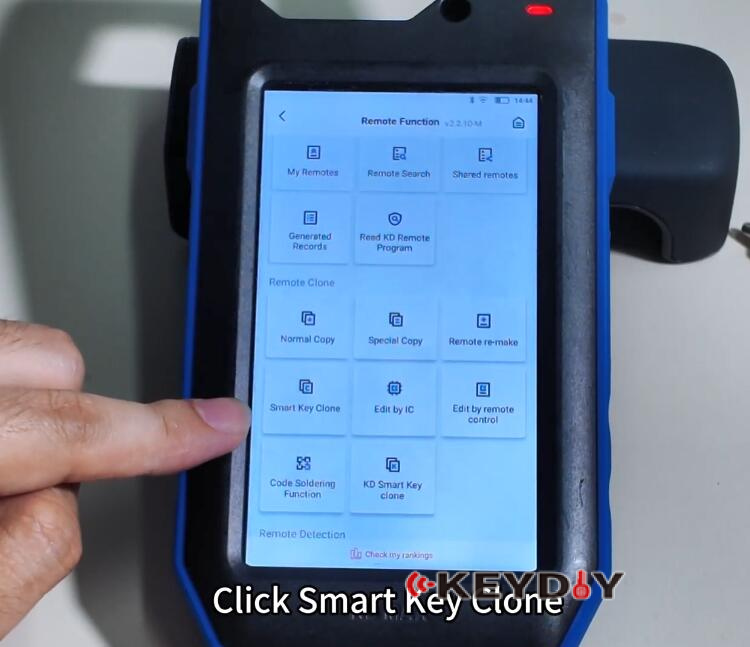
Select “BMW BDC3 Key Clone”

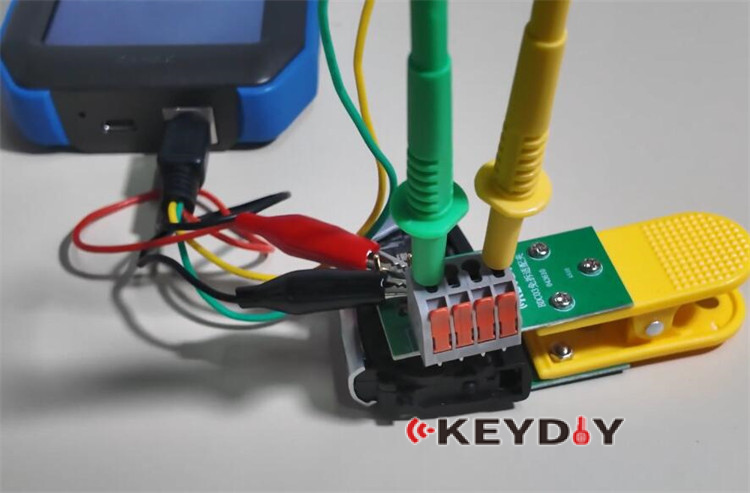
Select “Connection diagram” to correctly attach the BDC3 solder-free adapter clip.

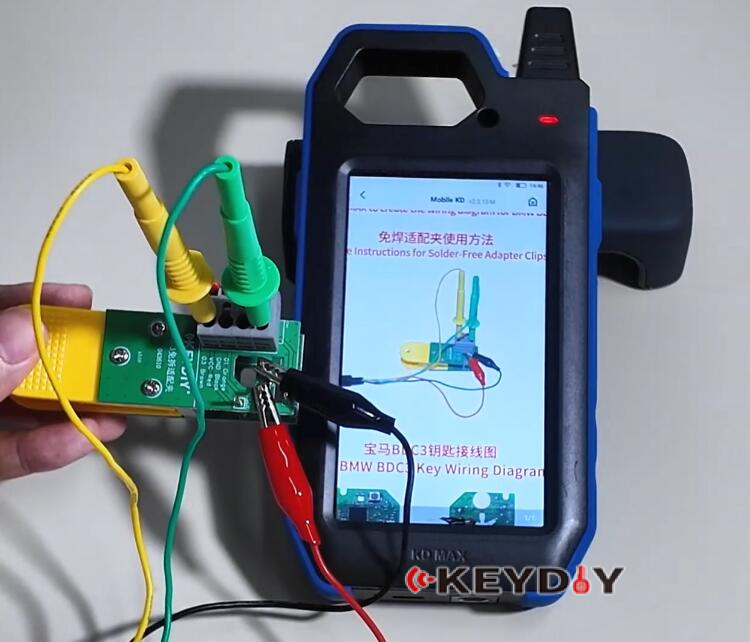
Disassemble the original car key and secure it in place using the clip.
Then, connect the assembly to the KD–MAX device.

From the menu, choose “BMW BDC3 Key Clone”
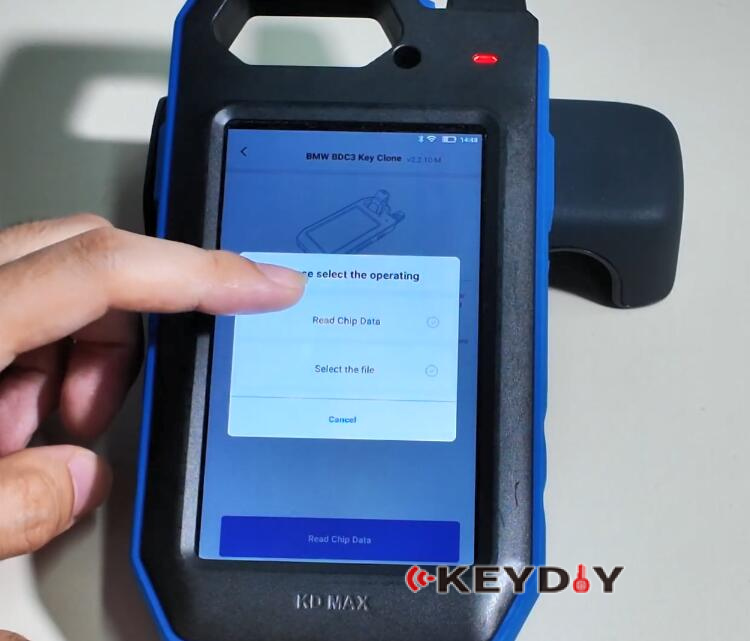
Proceed with “Smart Key Clone”
Initiate the “Read Chip Data” process and confirm execution.


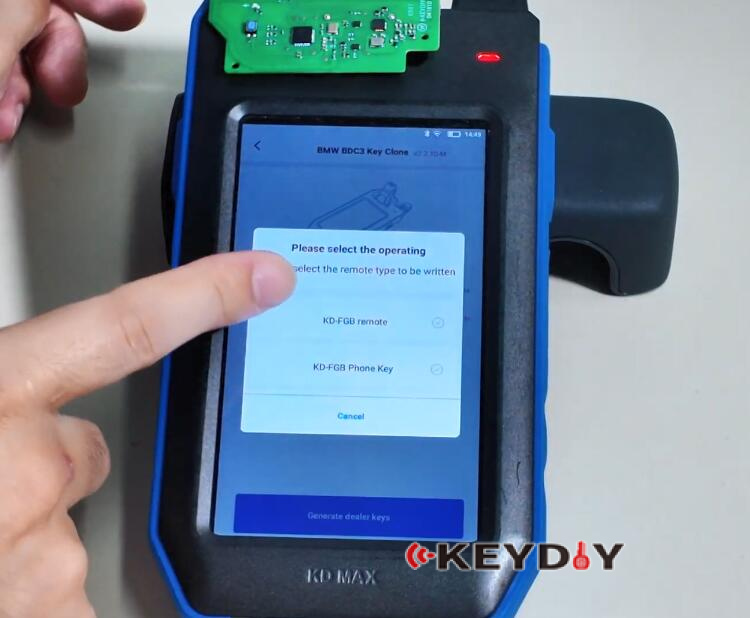
Once the chip data is successfully saved, position the KD FGB57 slave unit on the induction area.

Select “KD-FGB remote” to finalize the process
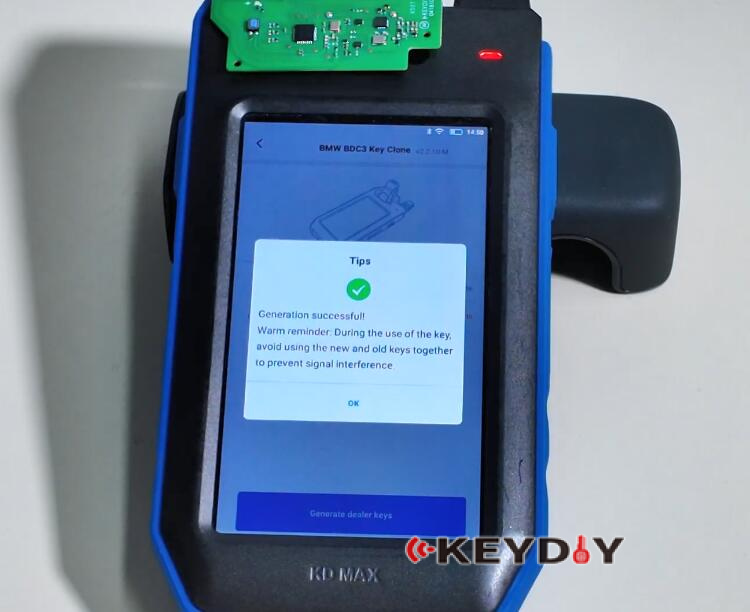
A “Generation Successful” message will confirm completion
Video Guide:
