
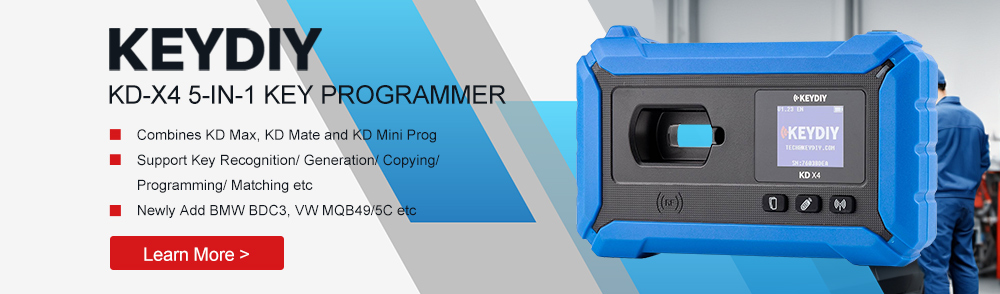

This post provides a detailed explanation of how to modify the original key ID using KEYDIY KD-X4 in conjunction with the FGB25 or FGB08 key.
Requirement:
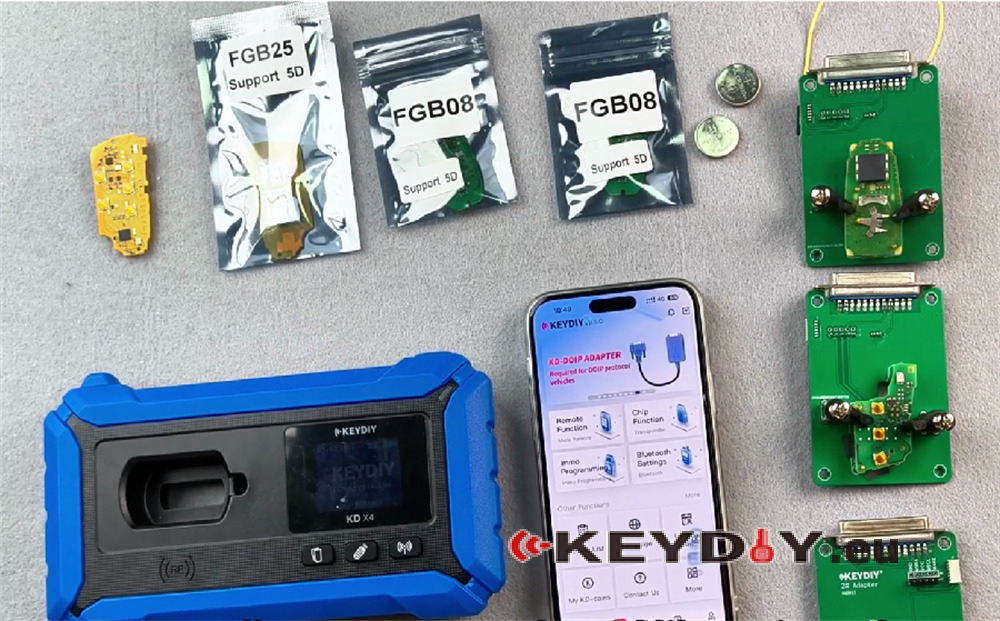
- KEYDIY FGB25-5 Smart Remote
- KEYDIY FGB08 PCB Key Board
- KEYDIY Clamp Adapter Set
- KEYDIY KD-X4 5-in-1 key programmer
- Mobile phone
Initial Key Inspection
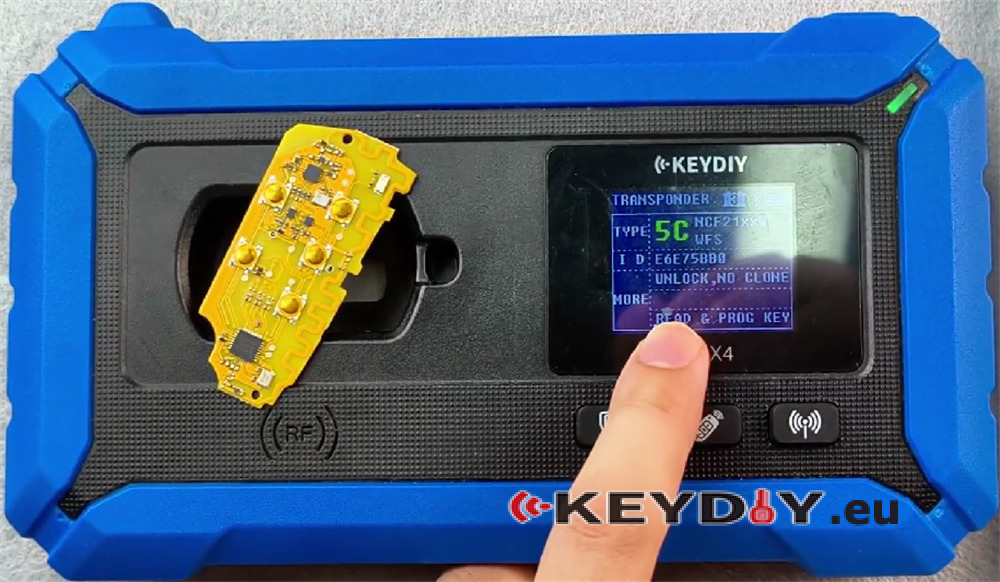
When you receive this KEYDIY FGB25 key, please note the following characteristics:
- The identification chip may be a 5C or a 46 chip
- The key may have no frequency when the battery is installed
- If no frequency is present, simply generate the key and it will return to normal operation
Purpose of ID Modification
The ID modification function is intended for use during official after‑sales service and repairs. The key ID recognized by the vehicle system corresponds to the ID stored in Volkswagen’s official server. Modifying the ID helps avoid potential complications.
Operational Procedure
Step 1: Access the Matching Function
Ensure KEYDIY KD-X4 device is connected.
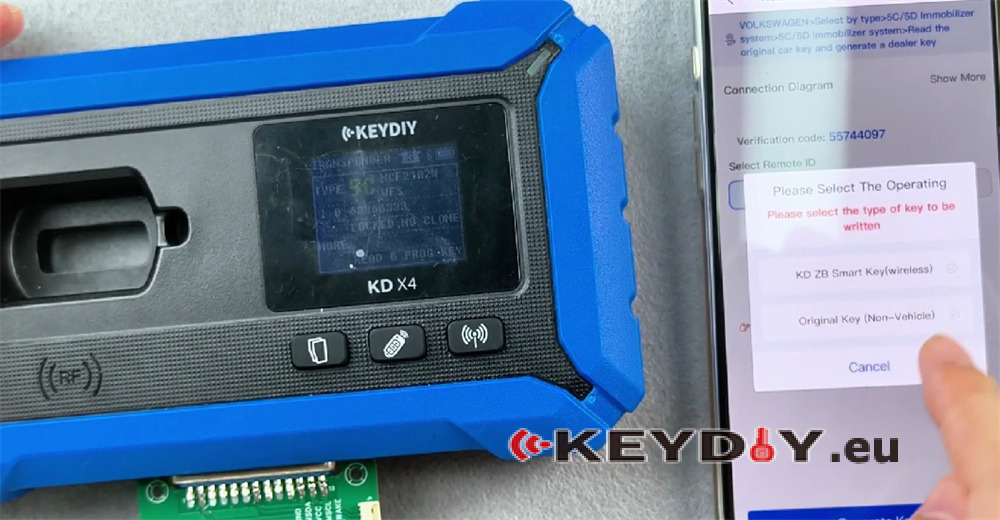
Navigate to Select IMMO Programming-> IMMO Programming-> Volkswagen-> Select by type-> 5C/5D Immobilizer system-> Start Execution
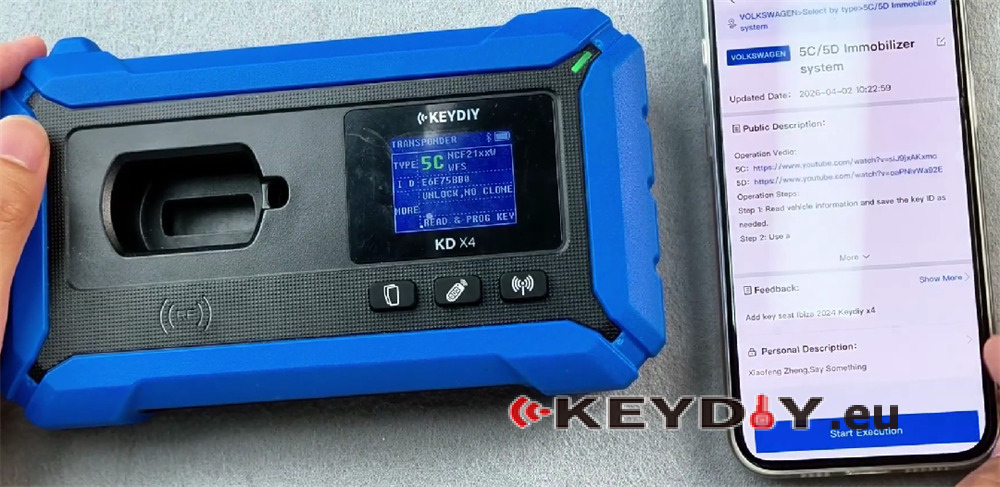
Two types of 5C keys will be used:
- Flip key
- B8 model key
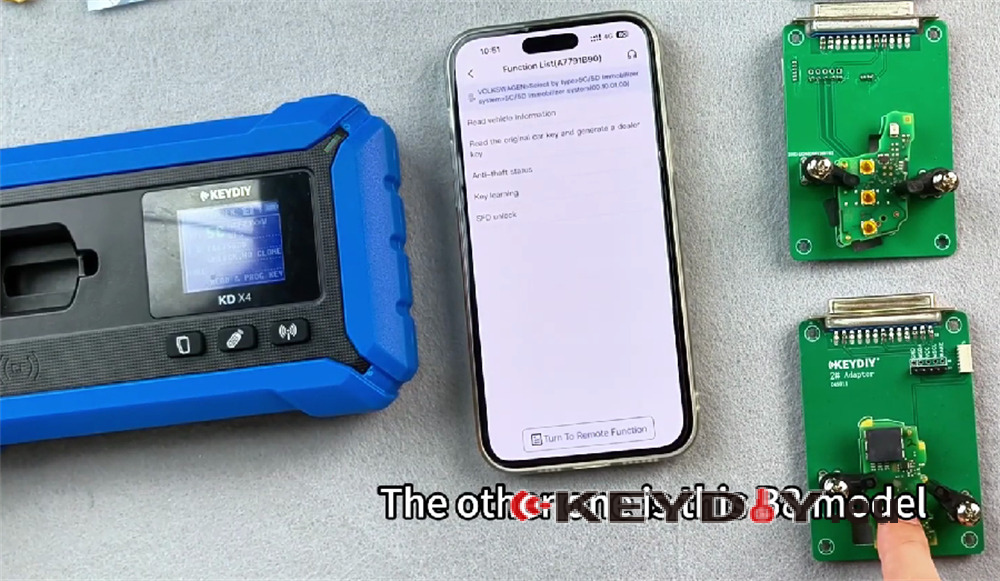
Step 2: Insert the Adapter
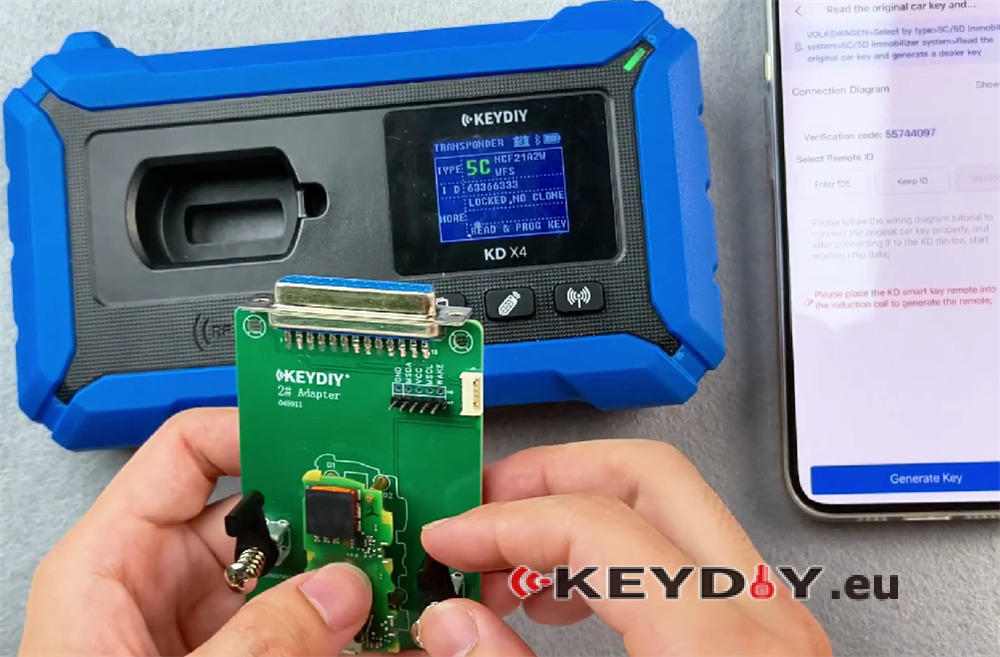
Insert the adapted version into the device and click Start to begin reading.
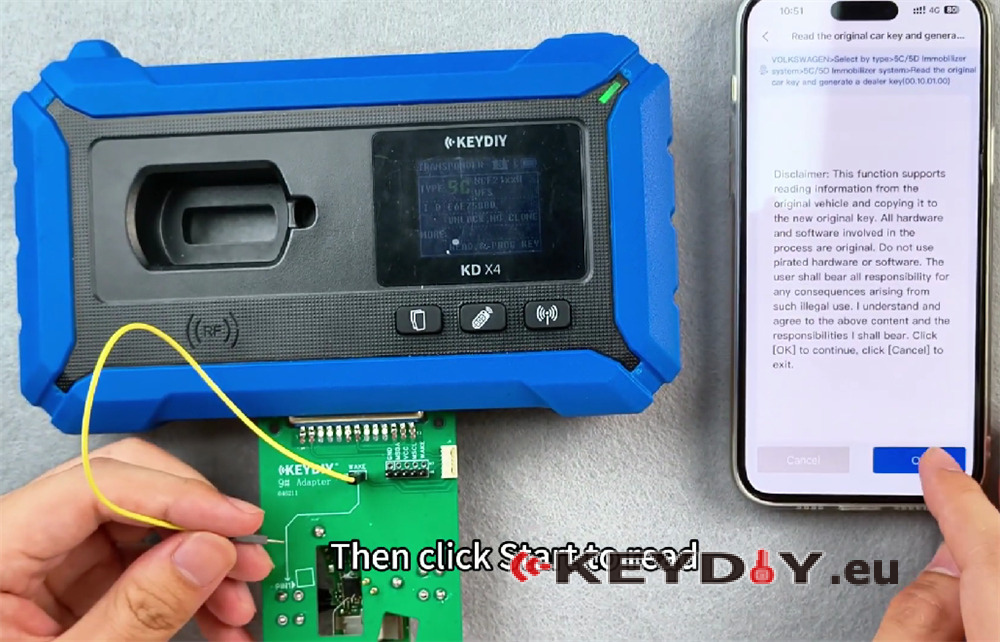
Step 3: Choose ID Input Method
You have two options:
| Option | Description |
| YES | Start reading and the proceed with the disassembly and generation |
| No | Directly disassemble and generate |
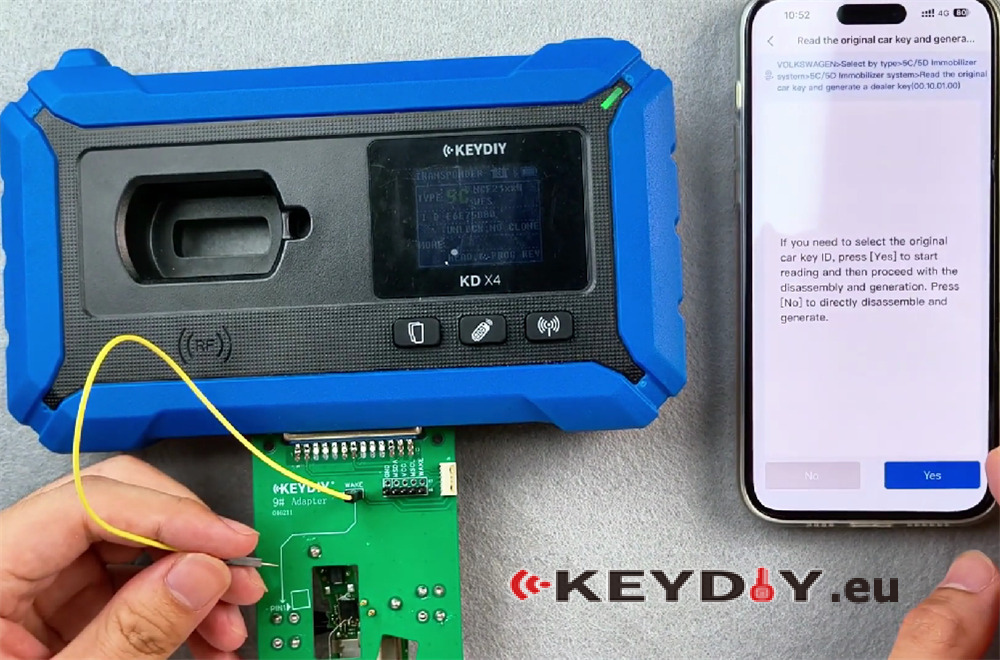
Note: If you are not inside the vehicle, simply click Next Step to proceed.
Step 4: Connect the Cable
Use the cable provided with the cardboard adapter. There are two identical pins. Insert the two pins into either pin position, then insert the pin onto pin one. Click Start Reading.
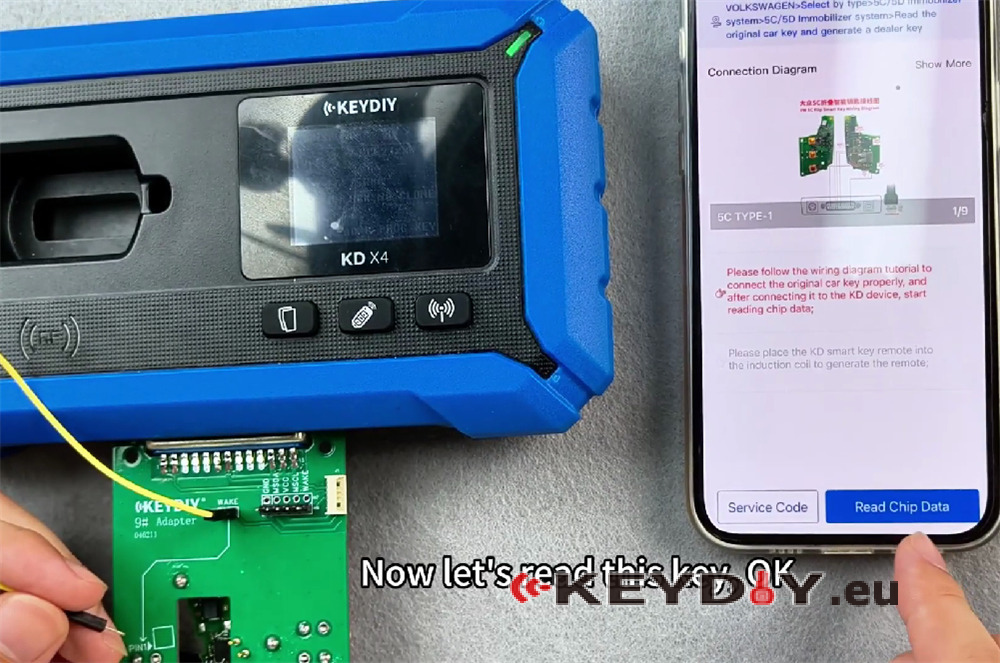
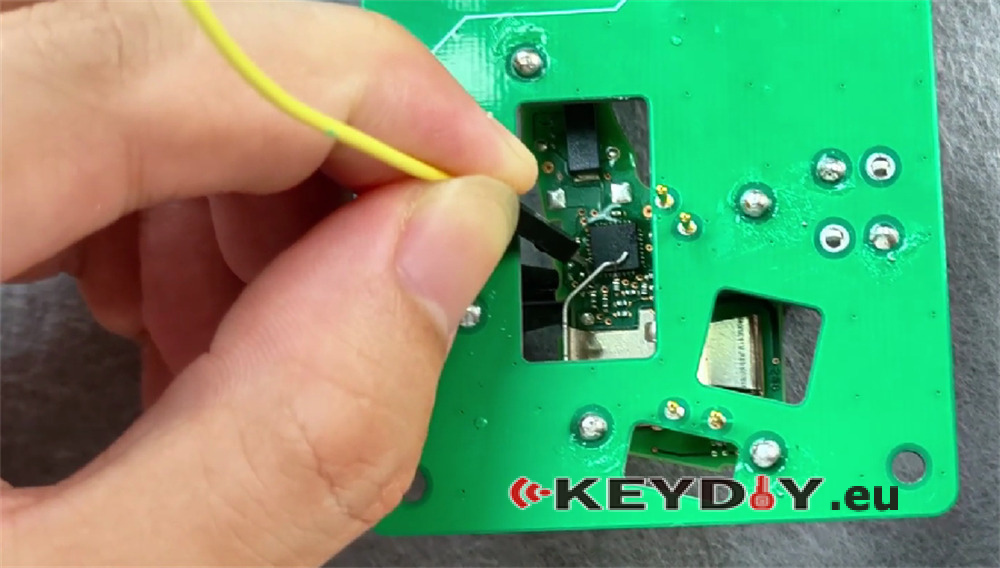
Step 5: View Service Code and ID
The system will display a service code and an ID. This ID is the one just read from the key.
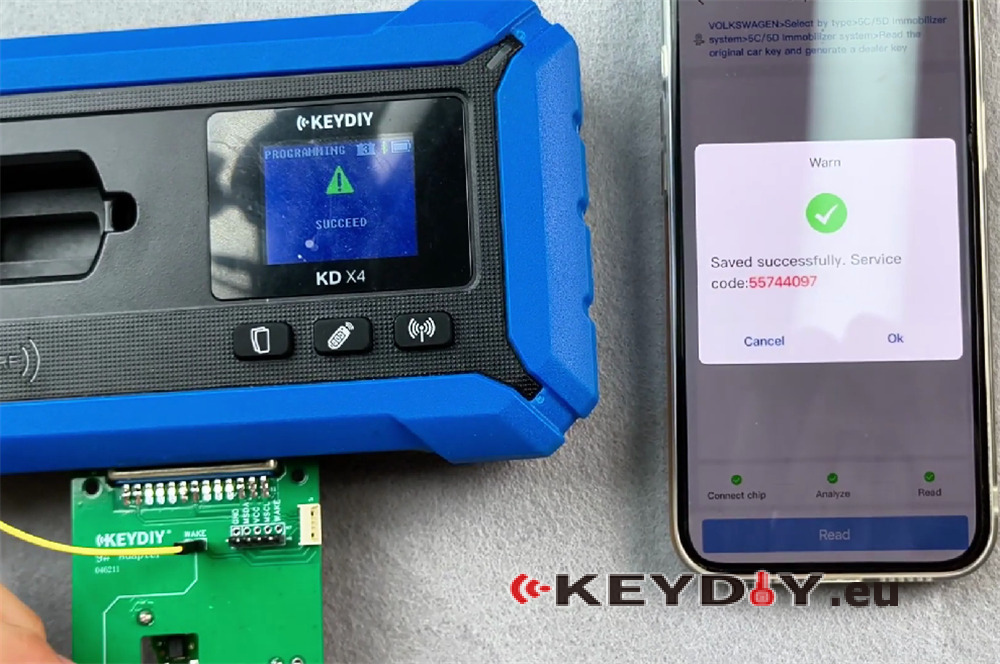
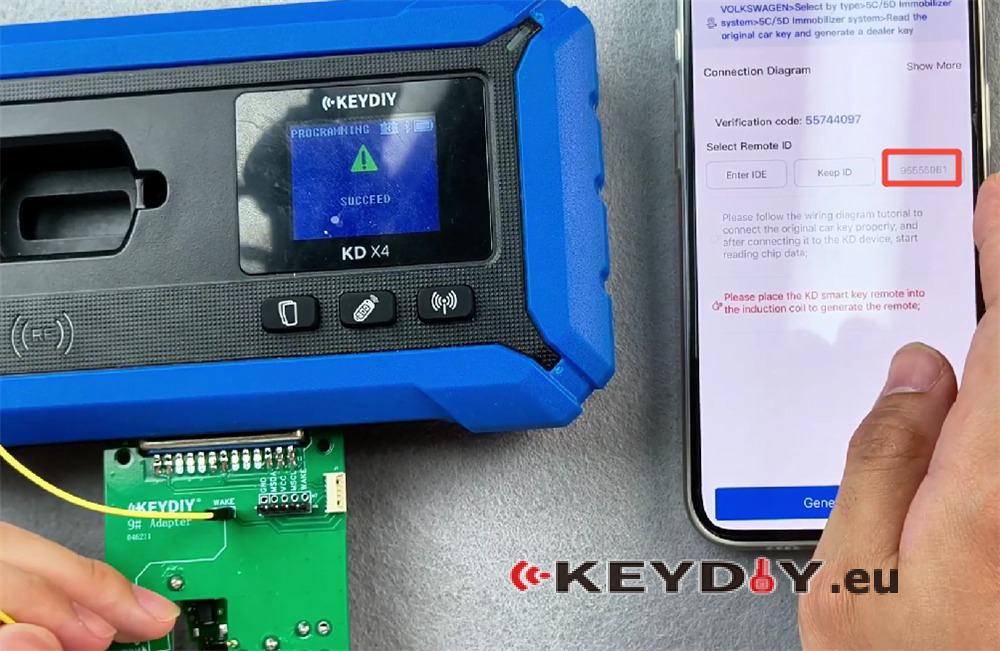
Example ID Modification:
- Original identified ID: 63,366,333
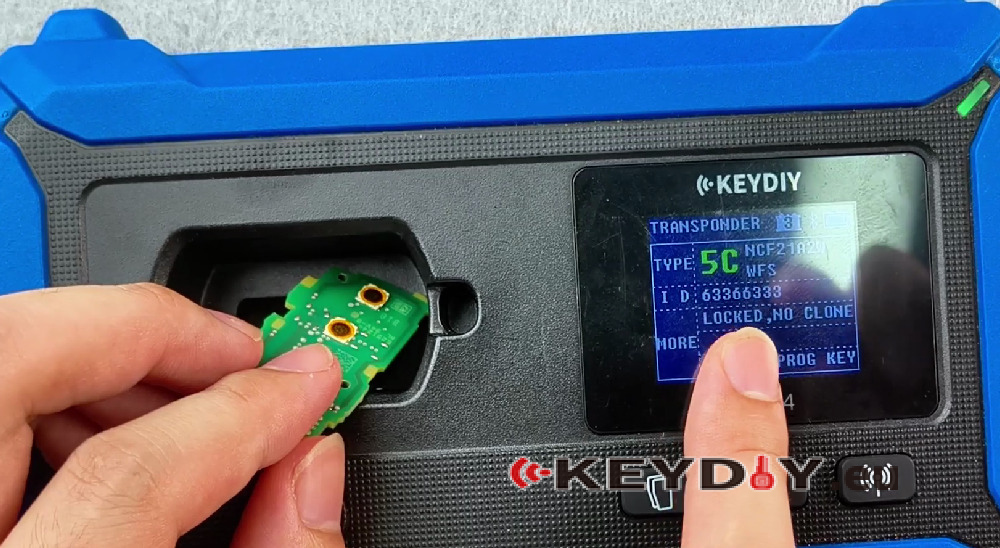
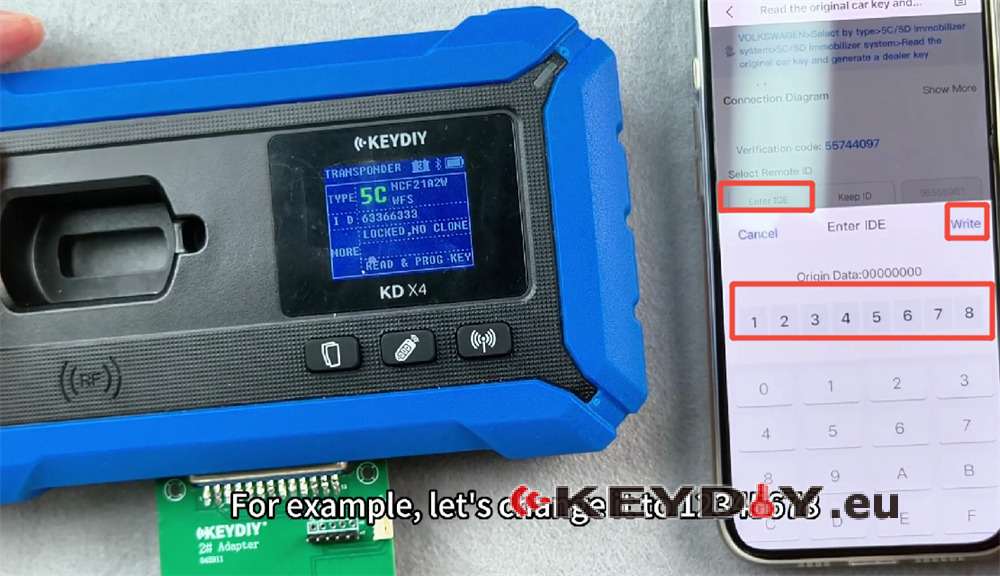
- To modify, enter a new ID (e.g., 12345678) and write it to the original factory key
Important Note on Charges:
- Each modification deducts 100K coins or $2 USD
- K coins are used first; if no K coins remain, money will be deducted
- The same key will not be charged twice
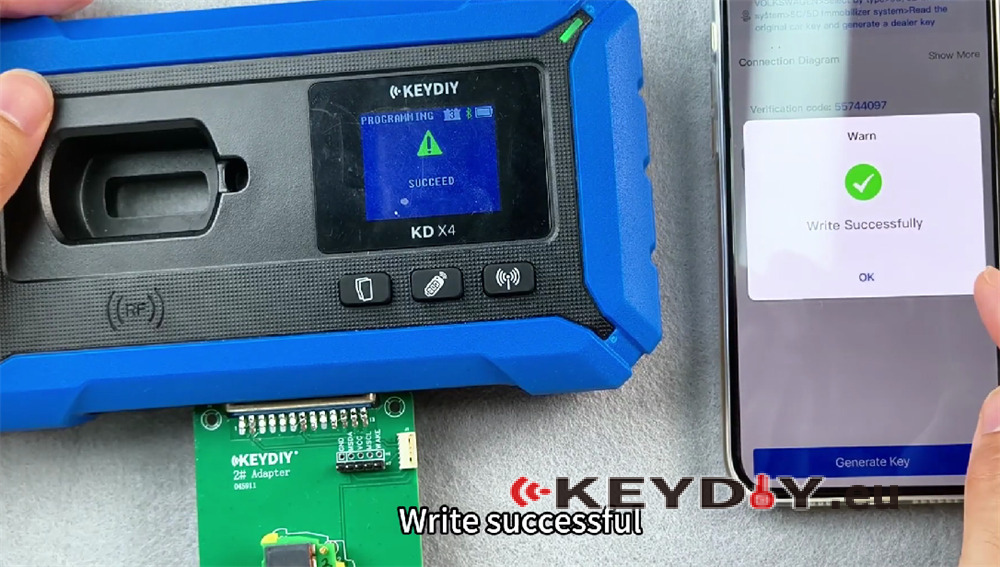
Step 6: Verify Successful Modification
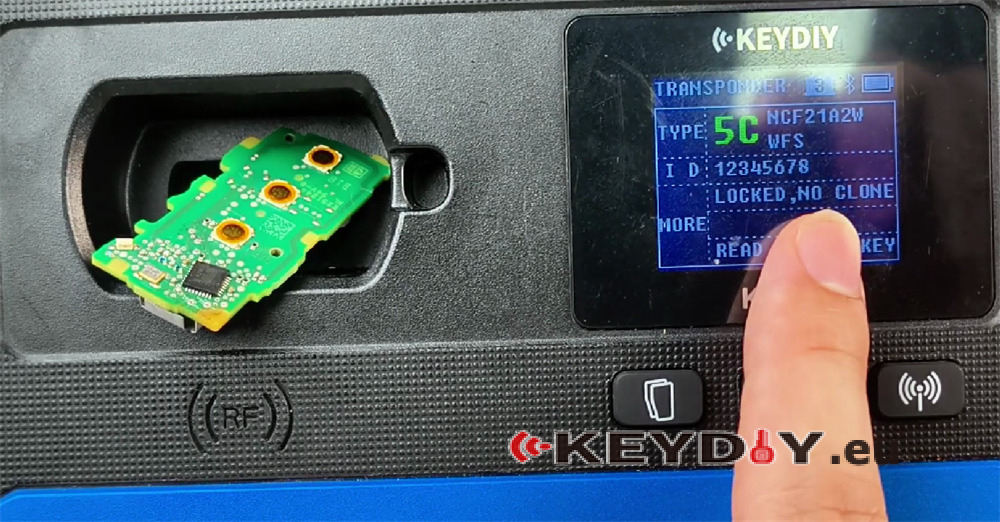
After writing, identify the key again. The new ID should match the entered value (e.g., 12345678), confirming successful modification.
5D Key Compatibility and Functions
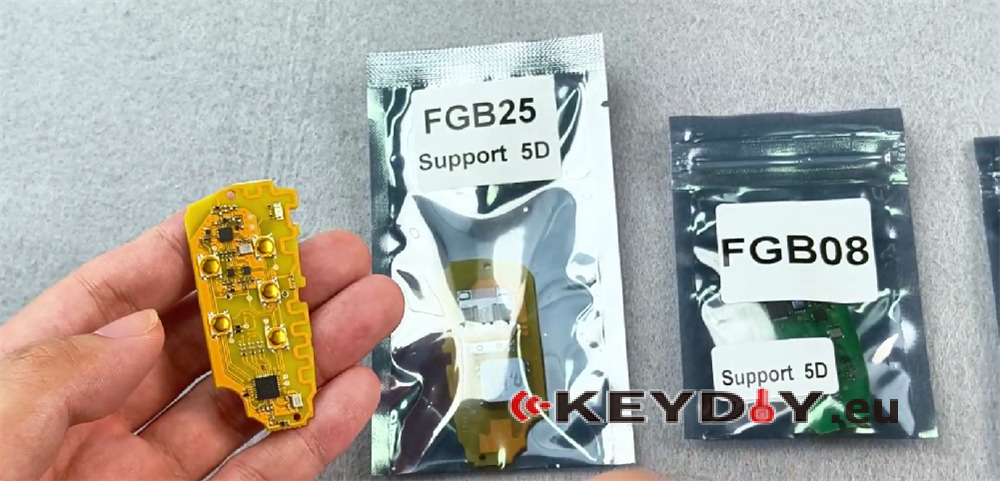
The 5D key is compatible with:
- FGB23
- FGB57
- FGB58
In addition to the functions of these three BMW keys, the 5D key can also be used as a ZB (emergency key) and supports the 5D function. To use the 5D function, you must purchase these two key types.
BMW System Compatibility:
The key is compatible with the following BMW systems:
- CAS4
- CAS4 +
- FEM / BDC
- BDC2
- BDC3
- BCP
Audi 5D Key
The Audi 5D key uses a card plate identical to previous versions and can be plugged in directly for reading and programming.
Programming the 5D Key
Step 1: Access the Function
Navigate back and restart the process. Click OK.
Step 2: Choose ID Option
| Option | Description |
| Keep ID | Generates a random ID |
| Enter ID | Allows manual ID entry |
Place the key in position and select Keep ID (or Enter ID if specific ID is required).
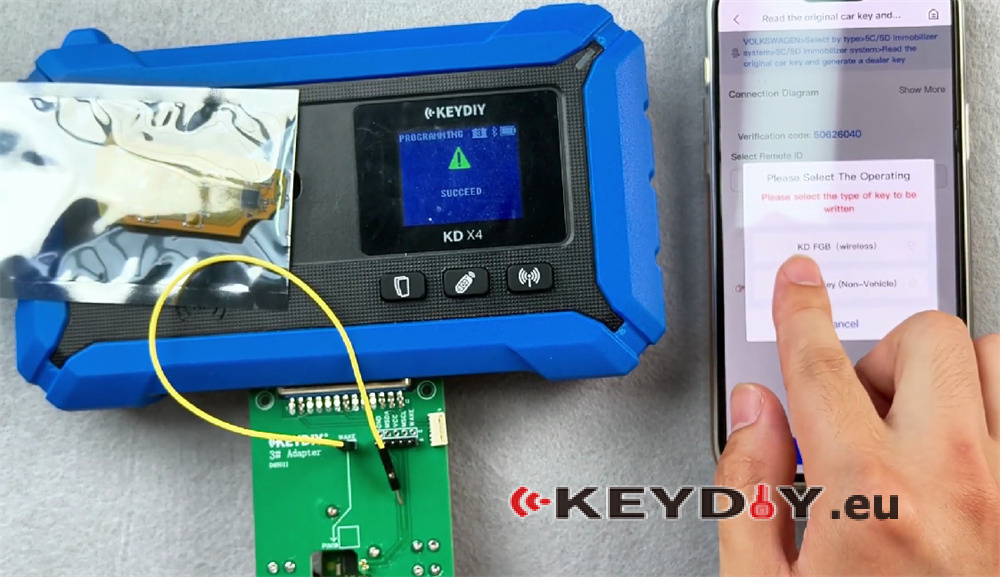
Step 3: Generate the Key
Select KDFGB and choose the corresponding frequency. The key will be generated.
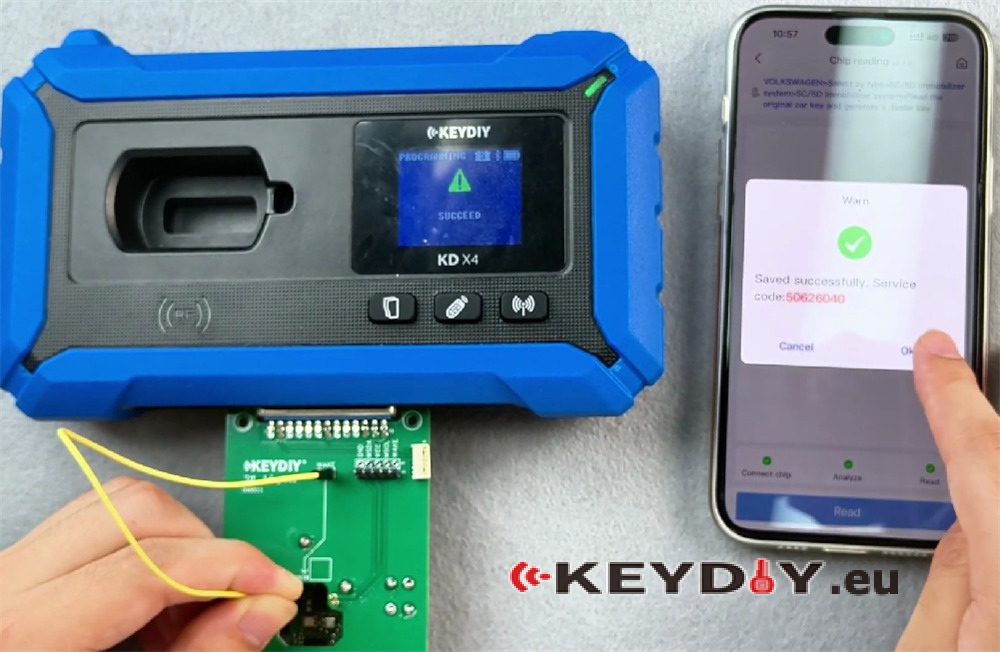
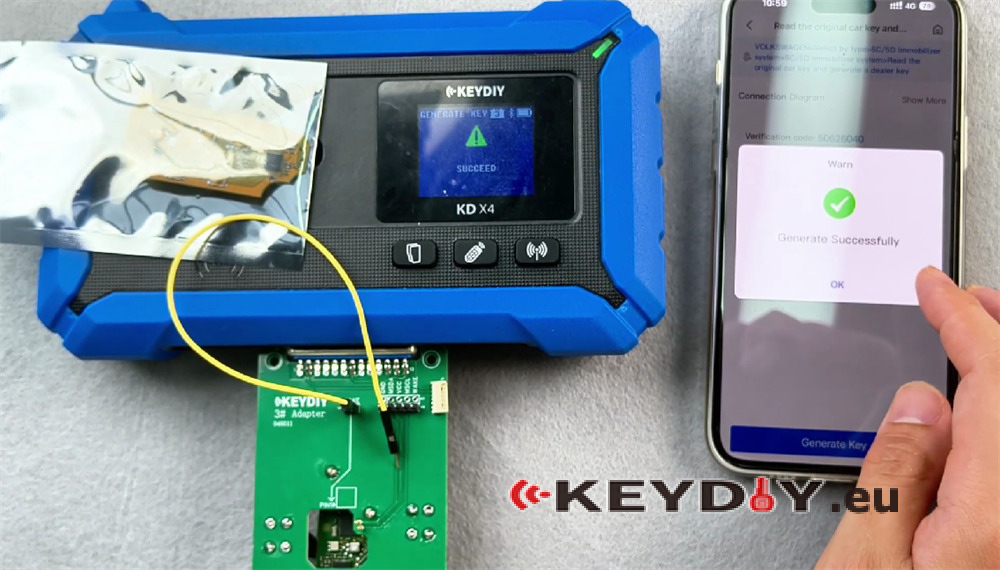
Step 4: Verify
Check and identify the key. It should now be recognized as 5D with a random ID. The original car key ID matches the ID read from this key.
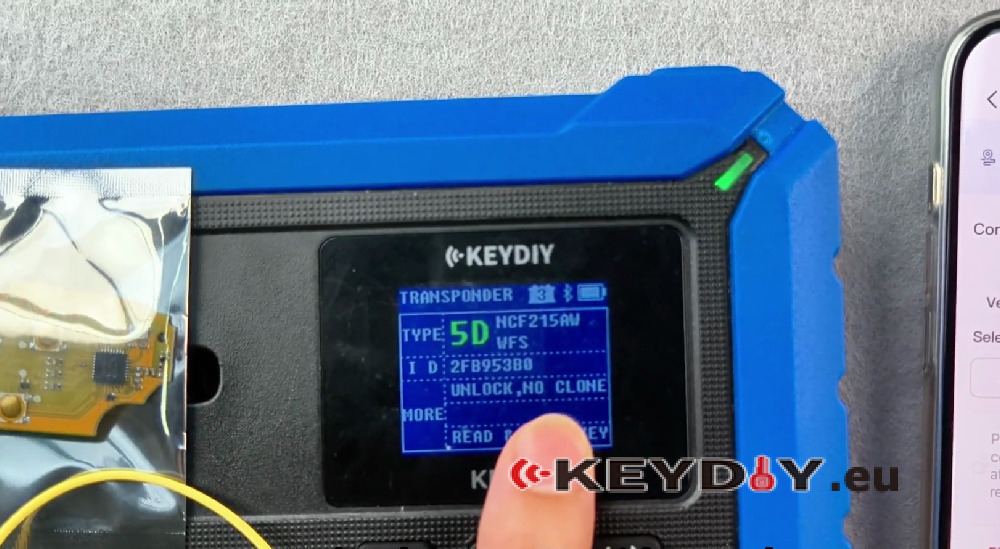
Step 5: Learn the Key
Use the key learning function to pair this key with the vehicle.
Conclusion
The ID modification function provides flexibility for after‑sales service and repair scenarios, allowing technicians to match keys to official server records. The FGB series keys (FGB25, FGB08, and 5D variants) offer broad compatibility with Volkswagen and BMW systems.
